okay shall i try to set up Bitwig on Linux next
-
@ahihi it’s honestly great for that. feels really nice a self contained environment.
@inscript i have mixed feelings about that. but my top plugin (Reason Rack) is probably not happening on Linux and i dont feel like configuring more stuff today anyway so this shall do for now
-
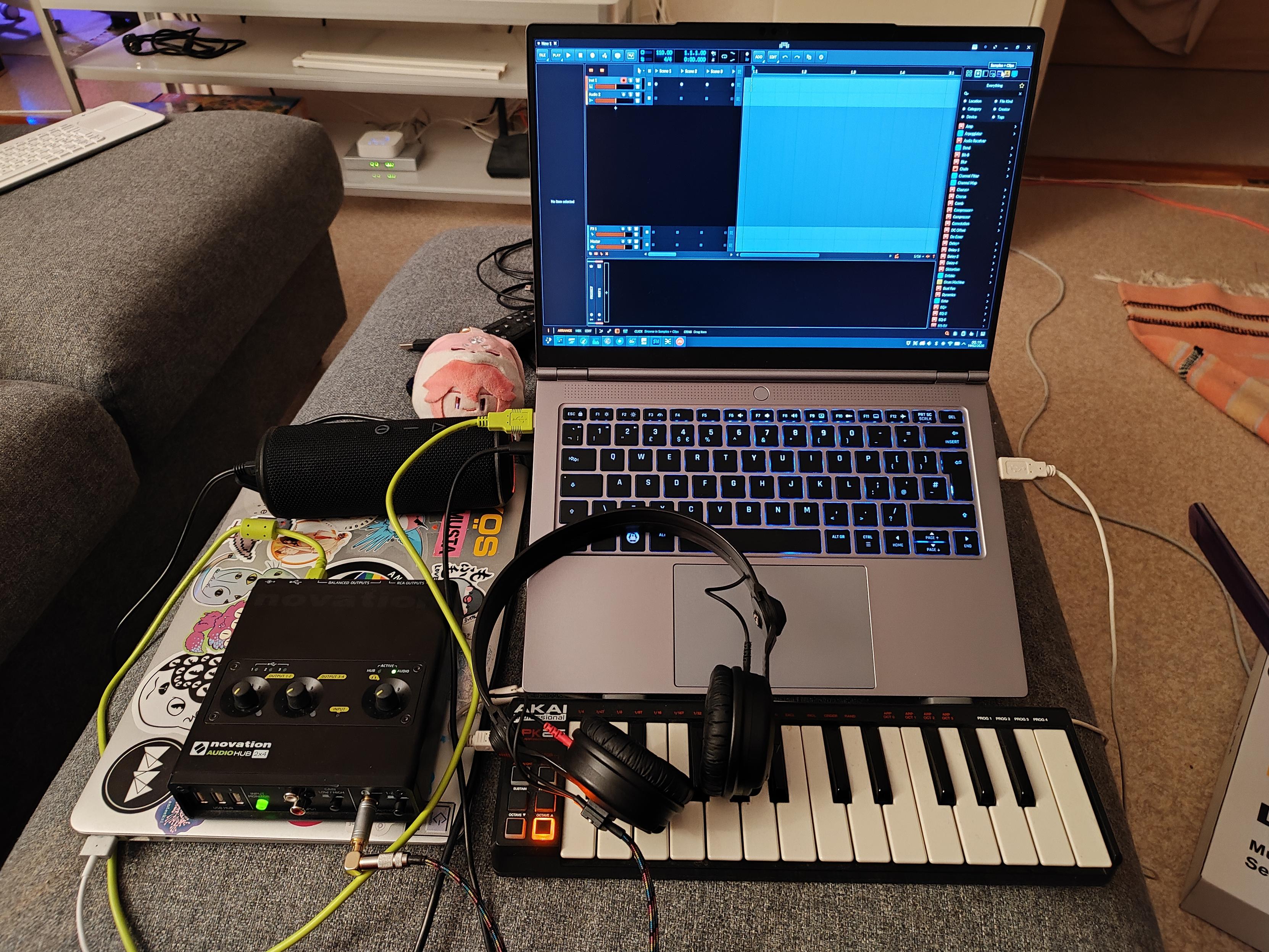
i should dig up an audio interface
i found some stuff. couch studio go
-
i found some stuff. couch studio go
apparently i can not drag audio files into the arranger. what
-
apparently i can not drag audio files into the arranger. what
searching on the Bitwig discord, people are saying drag n drop works only on GNOME
come on!!!!!
-
searching on the Bitwig discord, people are saying drag n drop works only on GNOME
come on!!!!!
and possibly also if you run X. sigh
-
and possibly also if you run X. sigh
i understand it is a transitional time in the world of window management but this does feel like the type of thing that should just work since the 90s at the latest
-
i understand it is a transitional time in the world of window management but this does feel like the type of thing that should just work since the 90s at the latest
note: especially since we are talking about software one pays decent money for
-
note: especially since we are talking about software one pays decent money for
@ahihi yeah, I have found that pretty wild. I do really like bitwig in general though.
-
@ahihi yeah, I have found that pretty wild. I do really like bitwig in general though.
@alisynthesis me too, on macOS it is very usable despite occasional glitches (usually fixed by restarting the app).
but when literally the first thing i try to do with it here fails it feels like the Linux support is an afterthought
-
note: especially since we are talking about software one pays decent money for
can i run X in parallel with Wayland. perchance
-
can i run X in parallel with Wayland. perchance
@ahihi It's pretty easy to switch between X11 and Wayland sessions at the login screen.
Honestly I decided to just stick with X11 for everything. I used Wayland for a while and it felt indistinguishable from X11 in terms of experience -- except for more freezes on my laptop when using Wayland.
-
@ahihi It's pretty easy to switch between X11 and Wayland sessions at the login screen.
Honestly I decided to just stick with X11 for everything. I used Wayland for a while and it felt indistinguishable from X11 in terms of experience -- except for more freezes on my laptop when using Wayland.
@flockofnazguls i need fractional scaling so X-only isnt really an option. having to log out to switch is also a pain so i am trying to set up X to run on another TTY
-
@flockofnazguls i need fractional scaling so X-only isnt really an option. having to log out to switch is also a pain so i am trying to set up X to run on another TTY
@ahihi Ahhhhhhh yeah.
-
can i run X in parallel with Wayland. perchance
i have started xfce into an unresponsive black screen


 🧅
🧅

-
i have started xfce into an unresponsive black screen
🧅maybe a simple wm would work better
-
maybe a simple wm would work better
oh hell yeah
tiny icewm
-
can i run X in parallel with Wayland. perchance
@ahihi you can try `QT_QPA_PLATFORM=xcb <command to run whatever>` to run it under XWayland but idk if that will solve your problems.
You can use xeyes as a fun way to check if it is running under xwayland or not.
-
@ahihi you can try `QT_QPA_PLATFORM=xcb <command to run whatever>` to run it under XWayland but idk if that will solve your problems.
You can use xeyes as a fun way to check if it is running under xwayland or not.
you could also try `env -u WAYLAND_DISPLAY <command>`
-
@ahihi you can try `QT_QPA_PLATFORM=xcb <command to run whatever>` to run it under XWayland but idk if that will solve your problems.
You can use xeyes as a fun way to check if it is running under xwayland or not.
@enoent Bitwig already runs in XWayland, this is in fact the source of the problem
-
oh hell yeah
tiny icewm
ok icewm is really not made for DPI scaling. which X WMs are? aside from i3