"This Week in Plasma" brings the news that...
-
"This Week in Plasma" brings the news that...
You can use long-presses on your regular keyboard to access alternative glyphs—just like on your phone, e.g. press and hold down [$] and a popup appears that let's you choose between €, £, ¥, ¢, ₹. Also new is that you can download and install alternative sound themes and that we reduced CPU and GPU load for full-screen windows on screens using more fractional scale factors, and much more!
This Week in Plasma: Press-and-Hold for Alternative Characters
Welcome to a new issue of This Week in Plasma! This week something very special landed for Plasma 6.7: the ability to type characters not on your physical keyboard by pressing-and-holding the keys that it does have:

KDE Blogs (blogs.kde.org)
#desktop #FreeSoftware #openSource
-
"This Week in Plasma" brings the news that...
You can use long-presses on your regular keyboard to access alternative glyphs—just like on your phone, e.g. press and hold down [$] and a popup appears that let's you choose between €, £, ¥, ¢, ₹. Also new is that you can download and install alternative sound themes and that we reduced CPU and GPU load for full-screen windows on screens using more fractional scale factors, and much more!
This Week in Plasma: Press-and-Hold for Alternative Characters
Welcome to a new issue of This Week in Plasma! This week something very special landed for Plasma 6.7: the ability to type characters not on your physical keyboard by pressing-and-holding the keys that it does have:
KDE Blogs (blogs.kde.org)
#desktop #FreeSoftware #openSource
@kde looks like a feature for @pallenberg

-
"This Week in Plasma" brings the news that...
You can use long-presses on your regular keyboard to access alternative glyphs—just like on your phone, e.g. press and hold down [$] and a popup appears that let's you choose between €, £, ¥, ¢, ₹. Also new is that you can download and install alternative sound themes and that we reduced CPU and GPU load for full-screen windows on screens using more fractional scale factors, and much more!
This Week in Plasma: Press-and-Hold for Alternative Characters
Welcome to a new issue of This Week in Plasma! This week something very special landed for Plasma 6.7: the ability to type characters not on your physical keyboard by pressing-and-holding the keys that it does have:
KDE Blogs (blogs.kde.org)
#desktop #FreeSoftware #openSource
The longpress-glyph functionality might collide with homerow mods for (alternate) keyboard firmwares.
-
-
"This Week in Plasma" brings the news that...
You can use long-presses on your regular keyboard to access alternative glyphs—just like on your phone, e.g. press and hold down [$] and a popup appears that let's you choose between €, £, ¥, ¢, ₹. Also new is that you can download and install alternative sound themes and that we reduced CPU and GPU load for full-screen windows on screens using more fractional scale factors, and much more!
This Week in Plasma: Press-and-Hold for Alternative Characters
Welcome to a new issue of This Week in Plasma! This week something very special landed for Plasma 6.7: the ability to type characters not on your physical keyboard by pressing-and-holding the keys that it does have:
KDE Blogs (blogs.kde.org)
#desktop #FreeSoftware #openSource
@kde@floss.social like it!
-
"This Week in Plasma" brings the news that...
You can use long-presses on your regular keyboard to access alternative glyphs—just like on your phone, e.g. press and hold down [$] and a popup appears that let's you choose between €, £, ¥, ¢, ₹. Also new is that you can download and install alternative sound themes and that we reduced CPU and GPU load for full-screen windows on screens using more fractional scale factors, and much more!
This Week in Plasma: Press-and-Hold for Alternative Characters
Welcome to a new issue of This Week in Plasma! This week something very special landed for Plasma 6.7: the ability to type characters not on your physical keyboard by pressing-and-holding the keys that it does have:
KDE Blogs (blogs.kde.org)
#desktop #FreeSoftware #openSource
@kde
 very clever stuff
 -
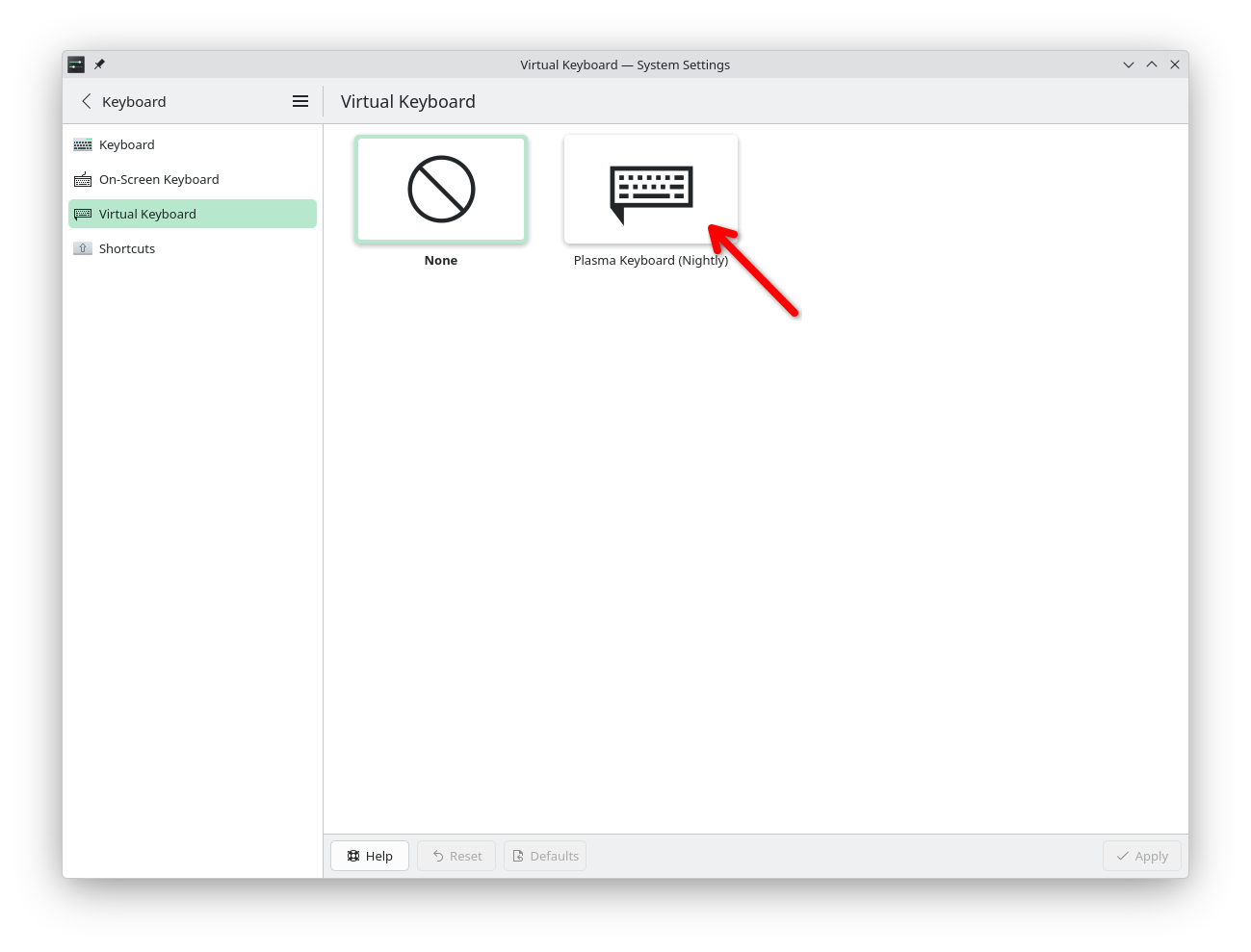
It also is not on by default. At the moment you can activate it by downloading a Flatpak and then enabling "Plasma Keyboard"—which can also be disabled if you find it annoying.
There's a whole blog post explaining this:
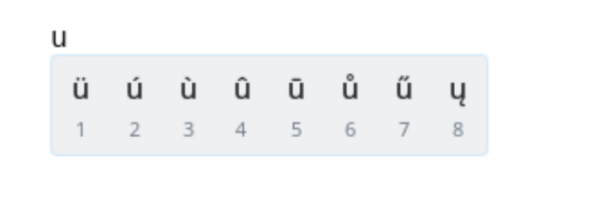
Plasma Keyboard: FLOSS/Fund, diacritics, and more | Merritt Codes
Plasma Keyboard has interesting news to share!
(merritt.codes)