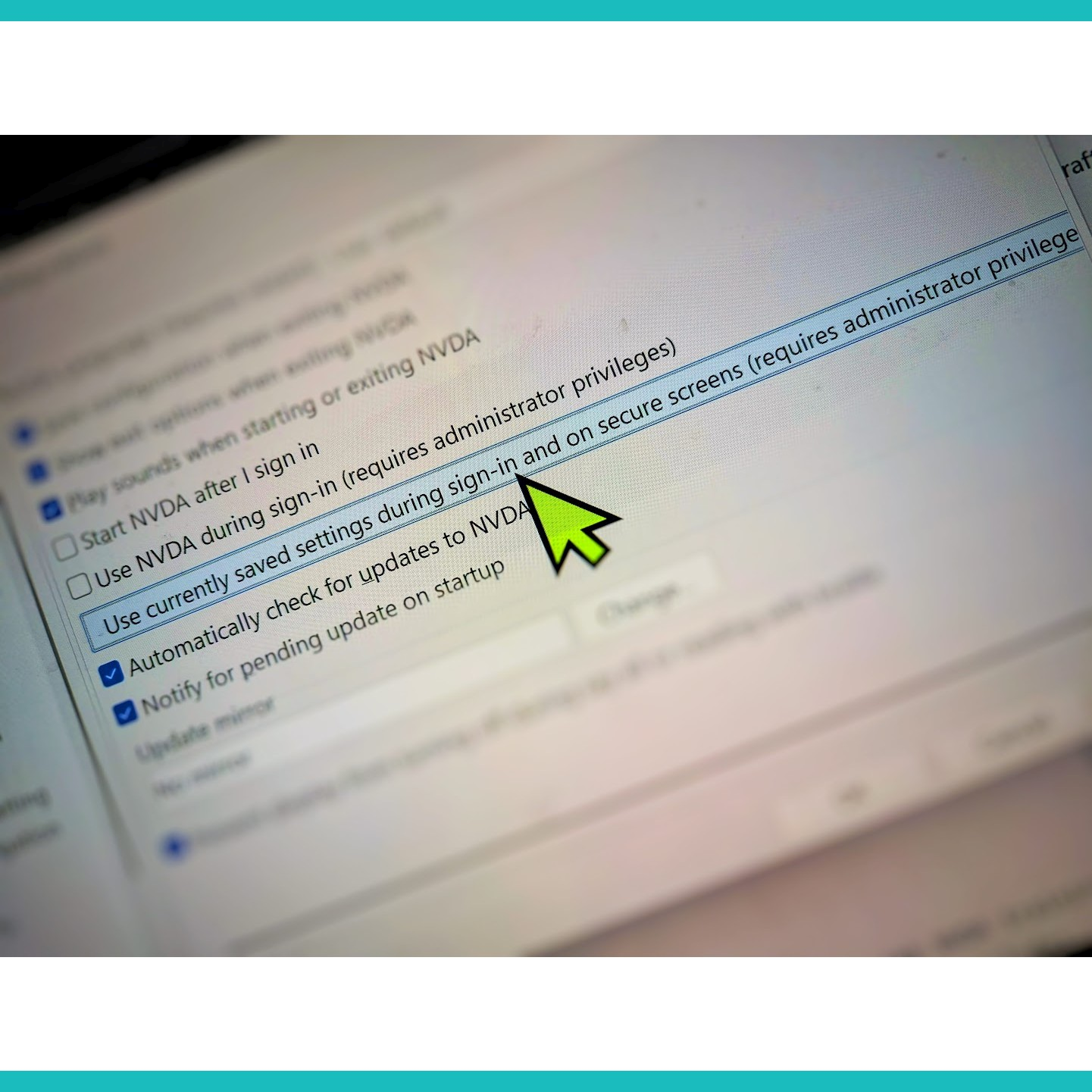
NVDA is 20 this year. Michael Curran and James Teh started it in 2006, two blind developers in Australia building a free screen reader because paid ones cost more than most people in their countries could afford. Twenty years later it runs on millions of computers, in dozens of languages, often on machines that nothing else would run on."All blind and vision-impaired people deserve these rights and opportunities, no matter the language they speak, their geographic location, economic status, or sensory, physical, cognitive, or mental abilities."NVDA Product VisionI've been thinking about how to mark this anniversary, and what I kept coming back to is that most of the story hasn't been written down anywhere. The early demos, the community arguments, the moment someone first heard their language come out of a speaker, the bug that terrified everyone, the add-on developer who disappeared, the user in a country where NVDA is the only option who figured out how to make it work on dial-up. That's all still in people's heads.So I put together a journaling project: 166 prompts across 12 sections, meant to draw those stories out. It's at:https://github.com/kaveinthran/nvda20-journalingDrop your thoughts, stories, and memories under the hashtag or by creating a new topic. Here are some prompts to get things going. Your First EncounterMy first experience with NVDA was at 15, downloading version 2009.1 after hearing a demo online. What was yours? What version were you on, and what made you try it?Switching from JAWS or Another Screen ReaderDid you come to NVDA from JAWS, Window-Eyes, System Access, or another screen reader? What was that transition like? What surprised you, what frustrated you, and what made you stay? NV Access maintains a switching guide for JAWS users if you want to share it with someone on the fence.The Early DaysFor those who were around in NVDA's early years as users, translators, localizers, or developers: what do you remember? What was the community like then?Old Recordings and ArchivesPeople dig up old recordings and demos from other screen readers' histories. Let's surface content from NVDA's own archives: early podcasts, beta recordings, old forum threads, anything from those formative years. Share what you've found or remember.Nostalgic Add-ons and Older BuildsAnyone still running older NVDA portable copies with add-ons that no longer work on modern versions? What are you still getting out of them? Is anyone sticking to an older build for a specific reason?Add-on SpotlightsWhich add-ons have changed how you work or changed what was possible for you? Which one surprised you most when you first found it?Growing the EcosystemNVDA is only as strong as the community that builds and sustains it. If you've been curious about where to start contributing, here are the core resources:NVDA Developer GuideCommunity add-on developer guideAdd-on store submission guideAdd-ons email groupDeveloper mailing listWhat else belongs on this list? If you've contributed before, what would you tell someone just starting out?Translation and LocalizationNVDA speaks dozens of languages because volunteer translators and localizers have done the work over the years, often without much acknowledgment. If you've contributed to translating NVDA into your language, or if you use NVDA in a language that isn't English, what has that been like? What languages still need more love?Accessibility TestingFor sighted, blind, or otherwise disabled web and software testers: how has NVDA changed your testing workflow? What stories do you have?NVDA in Education and EmploymentHas NVDA helped you study, get a job, or do your work better? For many people in regions where paid screen readers were never an option, NVDA opened doors that weren't open before. What did it open for you?Loves, Frustrations, and Honest OpinionsWhat do you love most about NVDA? What frustrates you? What would you change if you could?The Next 20 YearsWhere do you want NVDA to be in five, ten, or twenty years? What should the community and NV Access prioritize?A Dream AMAImagine Michael and James hosting an AMA: "We are two blind developers with 20 years of experience building a screen reader for the blind. Ask us anything." What would you ask? I personally have about 70 questions sitting in my notes with nowhere to send them.The Audio DocumentaryNVDA's impact hasn't been as visible as the iPhone or even JAWS, but it has been a silent revolution. Someone should make a long audio documentary telling NVDA's full story. Who would you want interviewed, and what stories should it tell?Reviving NVDAConIn 2016, the community organized NVDACon, a weekend of reflection and celebration for NVDA's tenth anniversary. Should we bring it back for the twentieth -- webinars, Zoom panels, multilingual streams? How would you want to help organize it?Thank the ContributorsWho do you want to thank? Code contributors, translators, testers, add-on developers, people who answered forum questions for years. Who specifically, and what did their work mean to you?NVDA Outside the Western BubbleNVDA is the dominant screen reader across Africa, the Middle East, and Asia, regions where paid alternatives were never a realistic option. For those using NVDA outside the English-speaking world, how has it changed what's possible for you? You don't have to answer all of them. Pick one. Write a paragraph or ten pages. There's no deadline and no required format.Just write frely under #NVDA20All the prompts can be seen here https://github.com/kaveinthran/nvda20-journaling#nvda #screenReader #Blind #writingPrompts #prompts #writing