Back at it
-
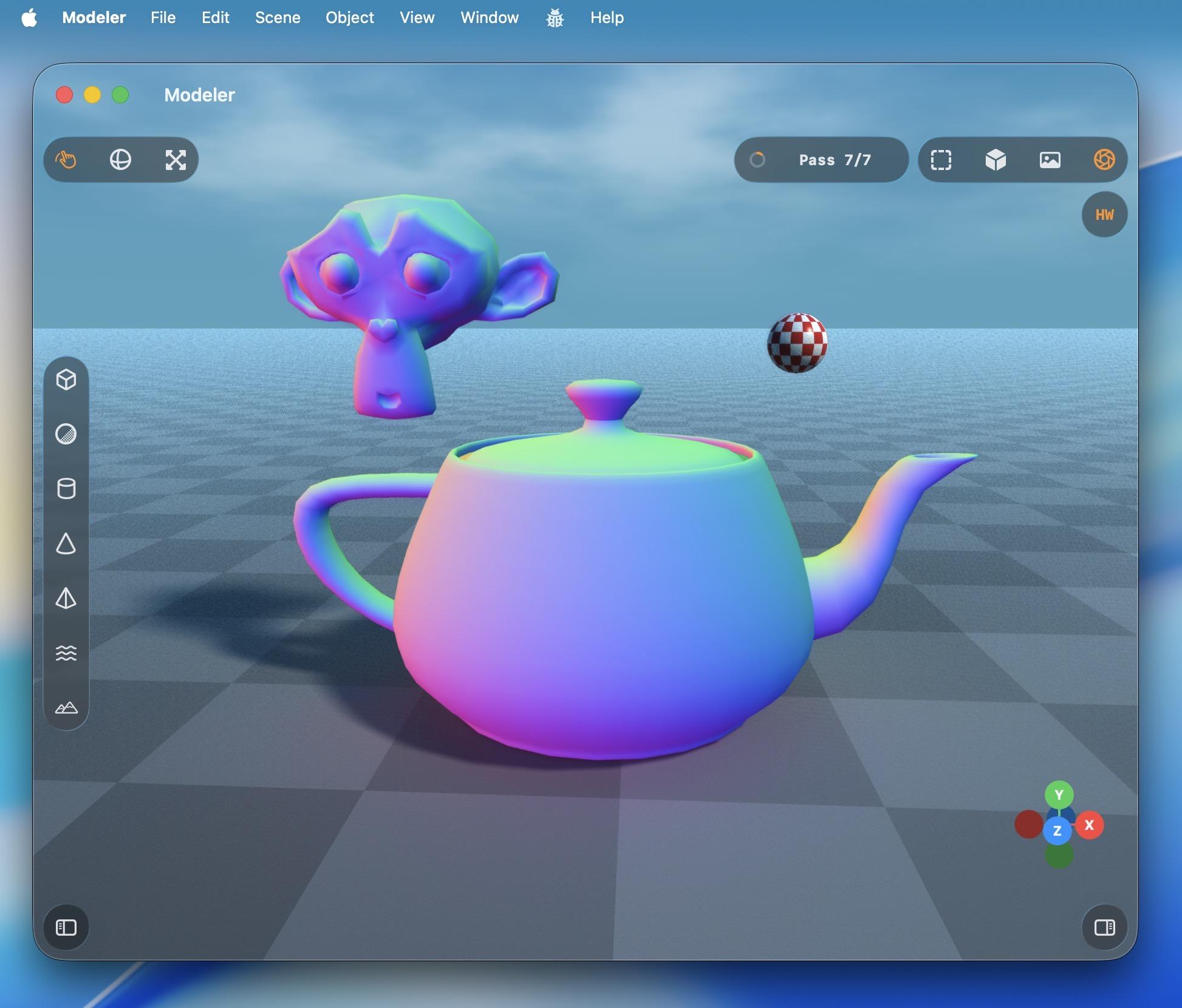
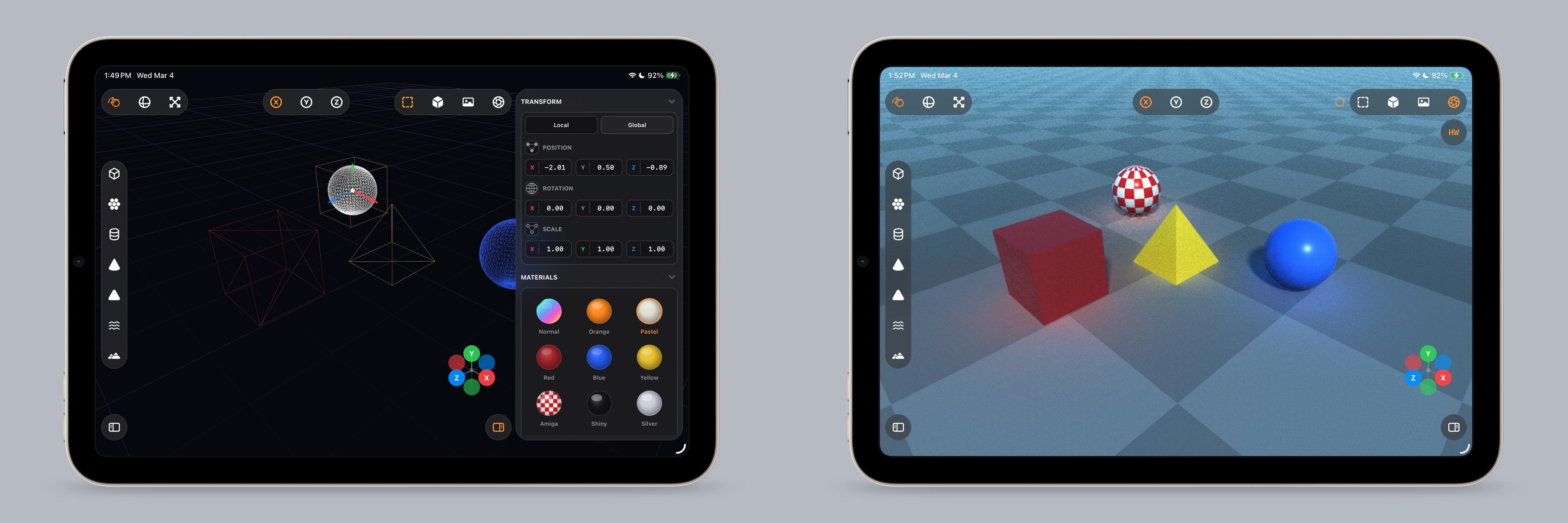
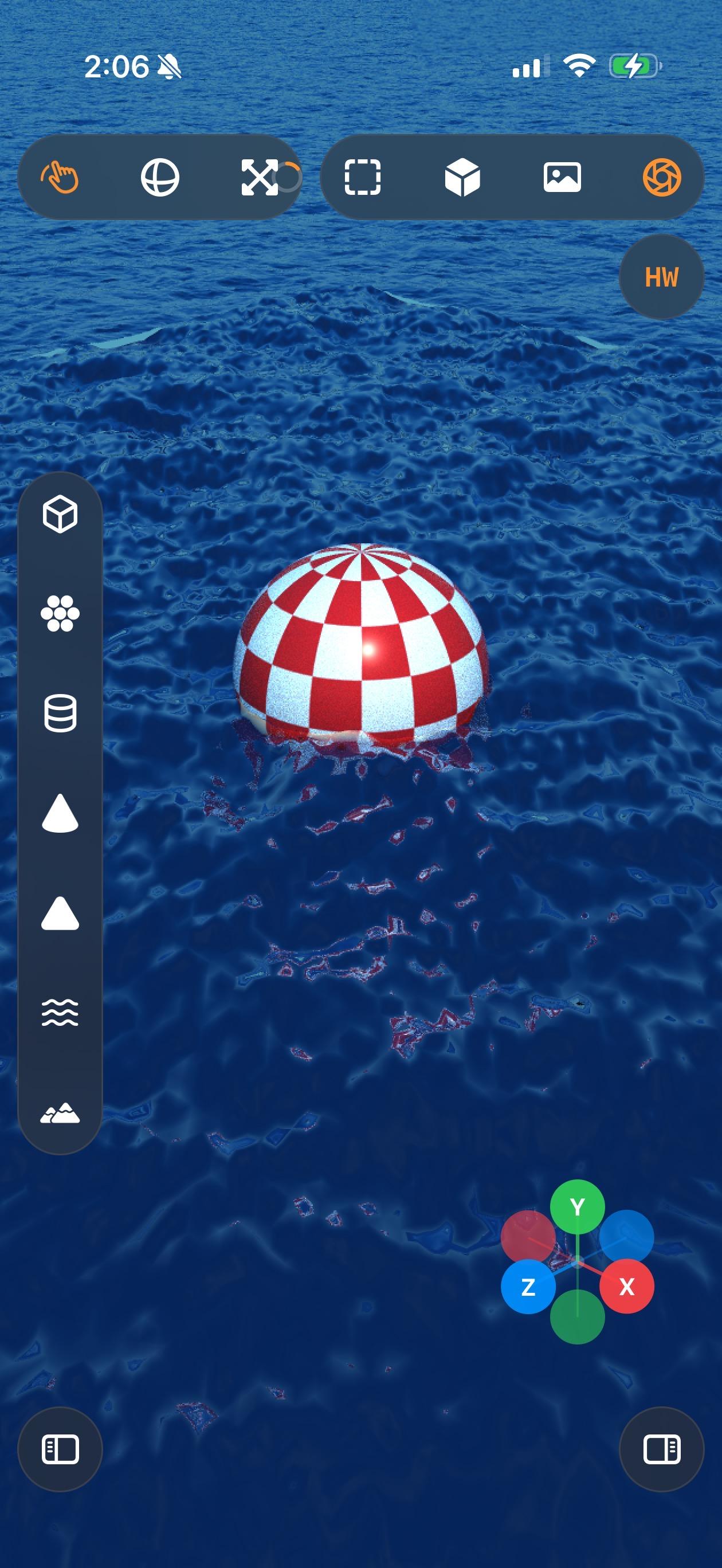
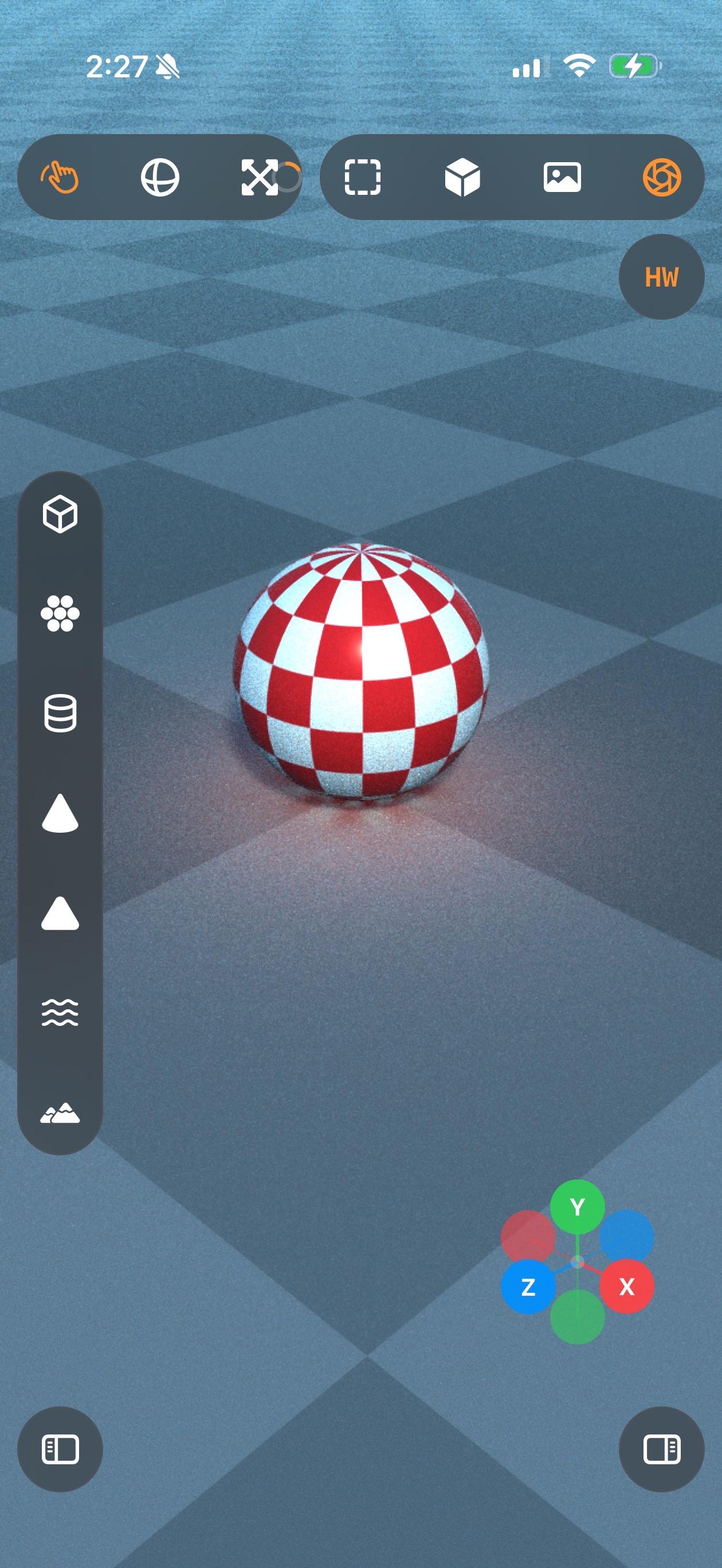
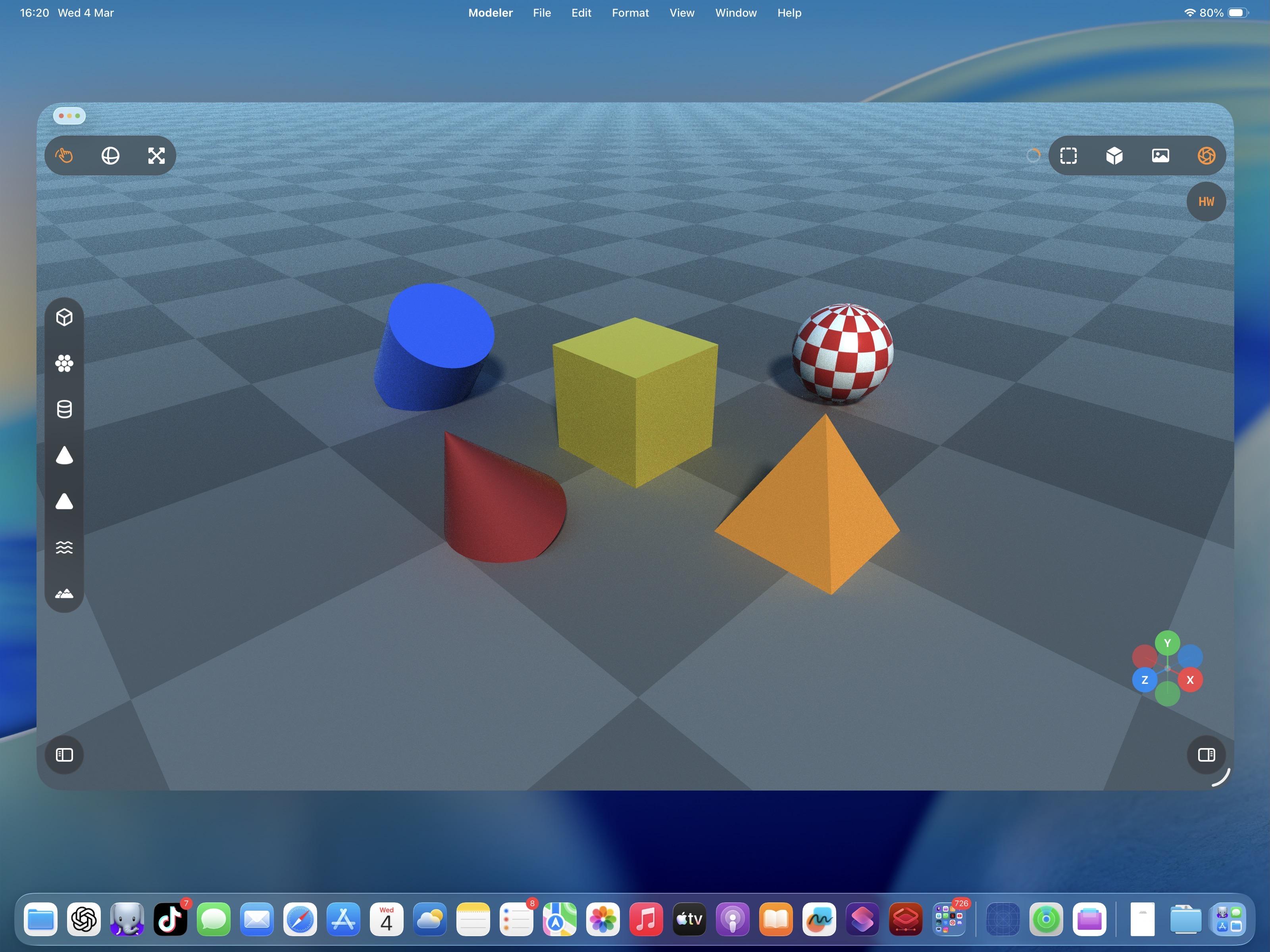
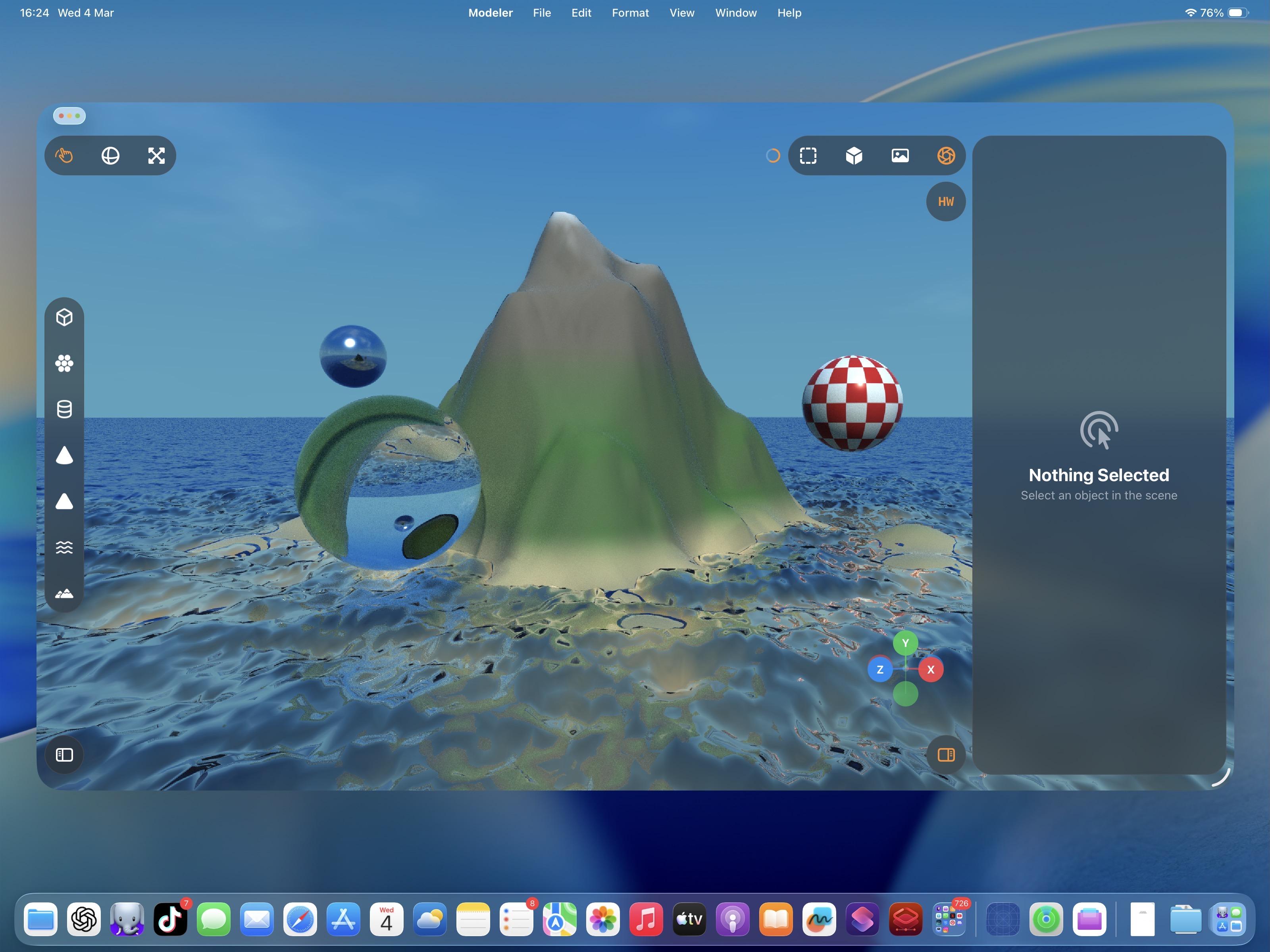
Just casually building and raytracing a scene on an iPad mini 6, nbd
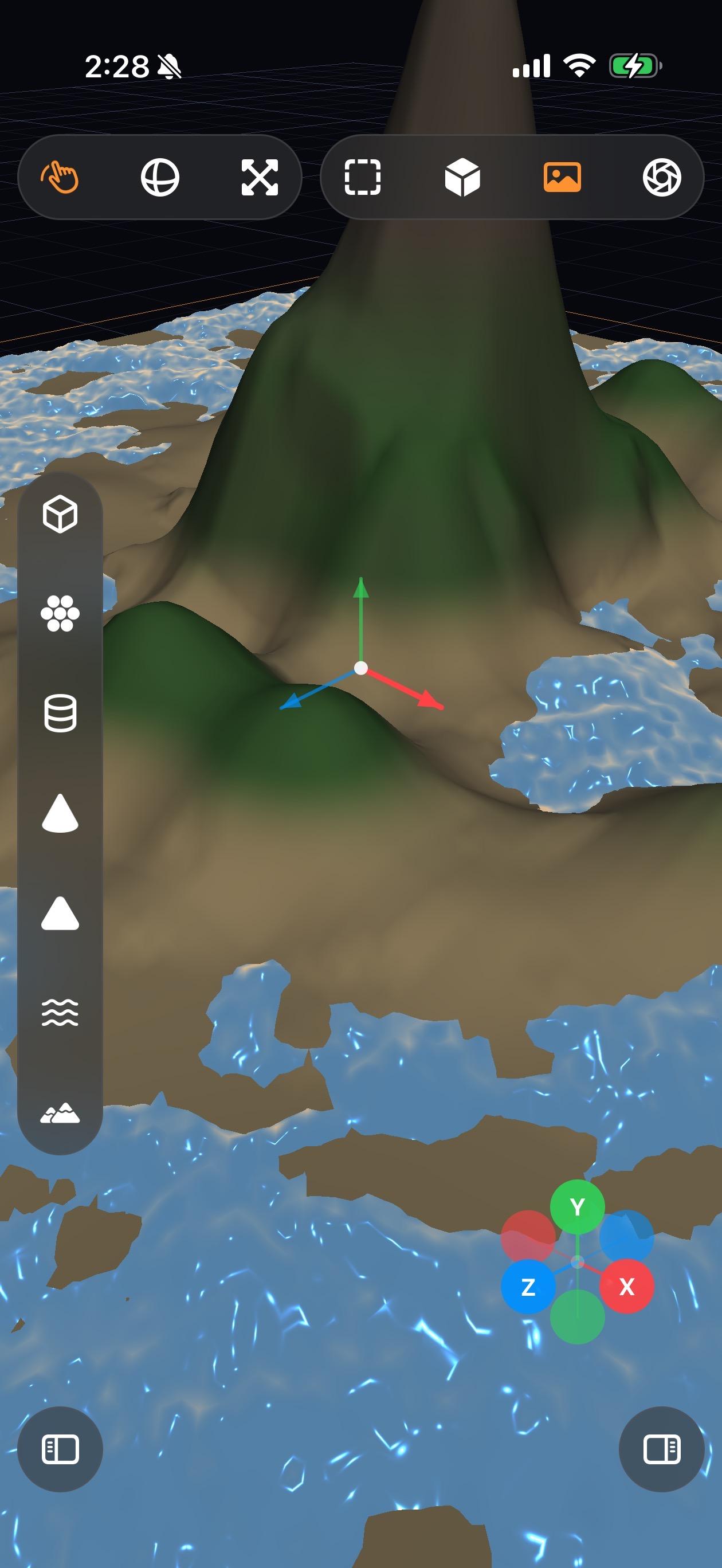
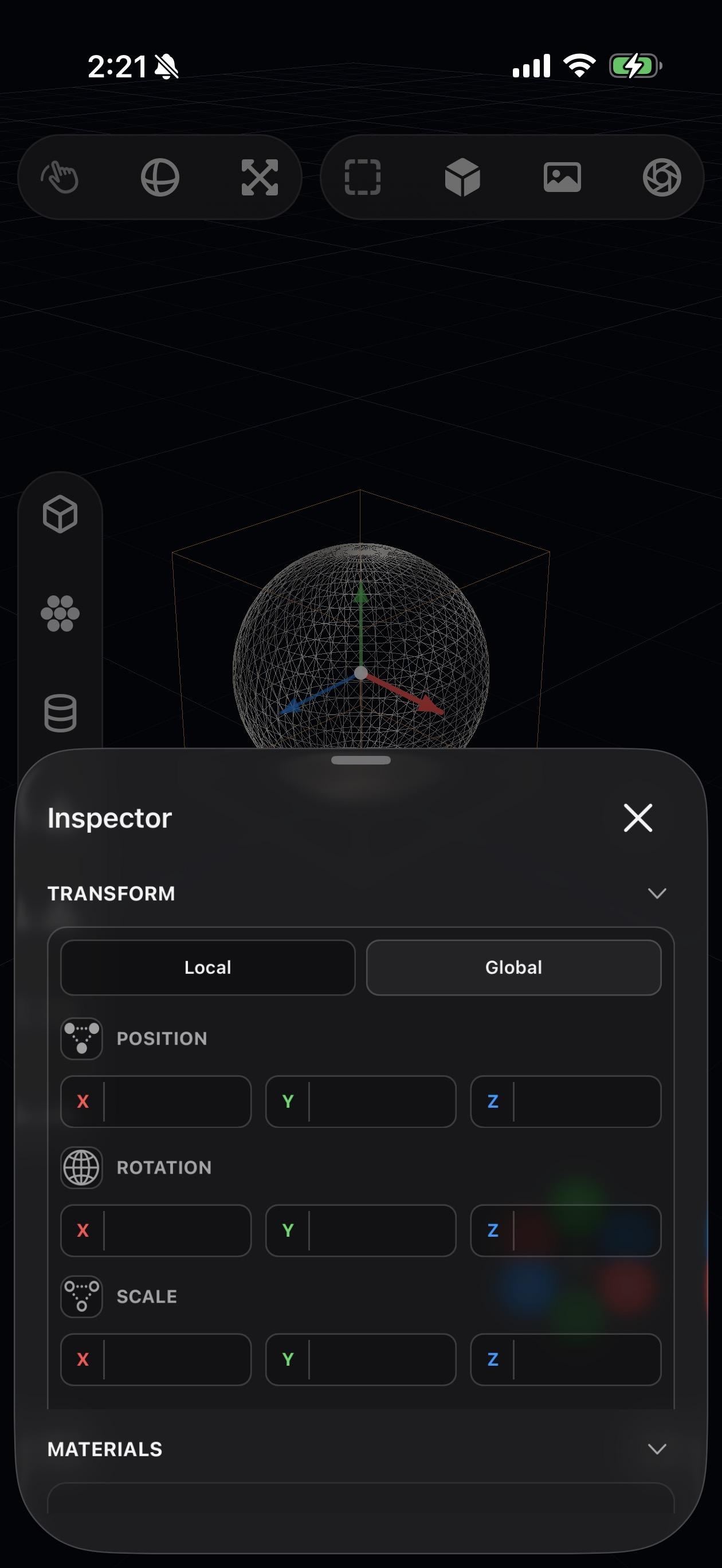
Of course it runs on iPhone, what do you take me for?
-
The thing about material shaders is I don't quite know the right questions to ask — the unknown unknowns. Am I taking into account the right refraction, internal reflection, attenuated shadows, etc. Why is this too bright, why is this too dark. You can tell from these examples where things are obviously wrong, and it takes quite a bit of iteration
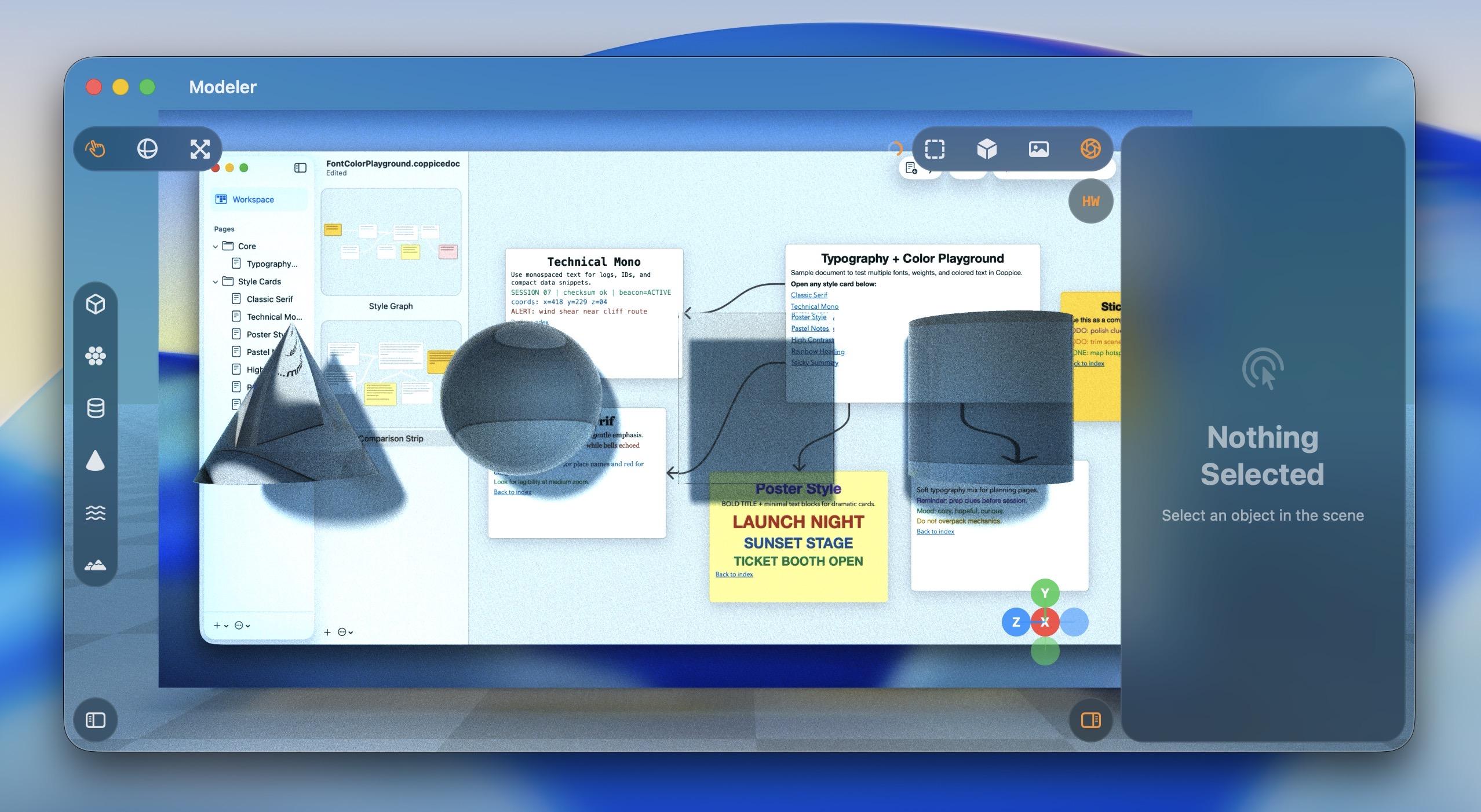
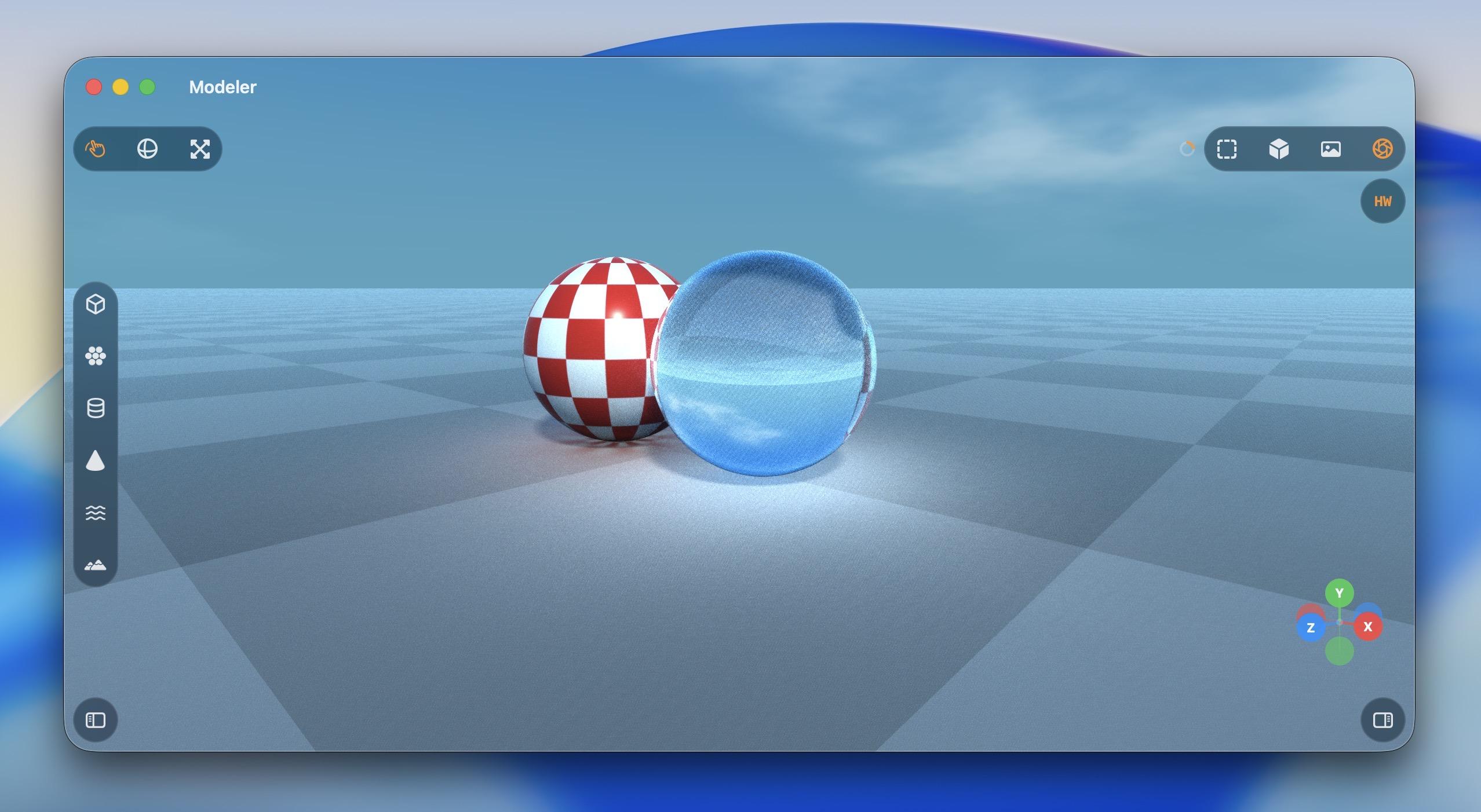
@stroughtonsmith a few things to look into that have to due with light interacting with objects: Rayleigh Scattering, Mie scattering, Kubelka-Munk scattering and absorption model, Saunderson correction to said K-M model. I have no clue if these are ever used in a typical ray tracing algorithm, but they come up when discussing the color development of coatings. My understanding of typical ray tracing is that it follows Snell's Law but I don't know beyond that.
-
Of course it runs on iPhone, what do you take me for?
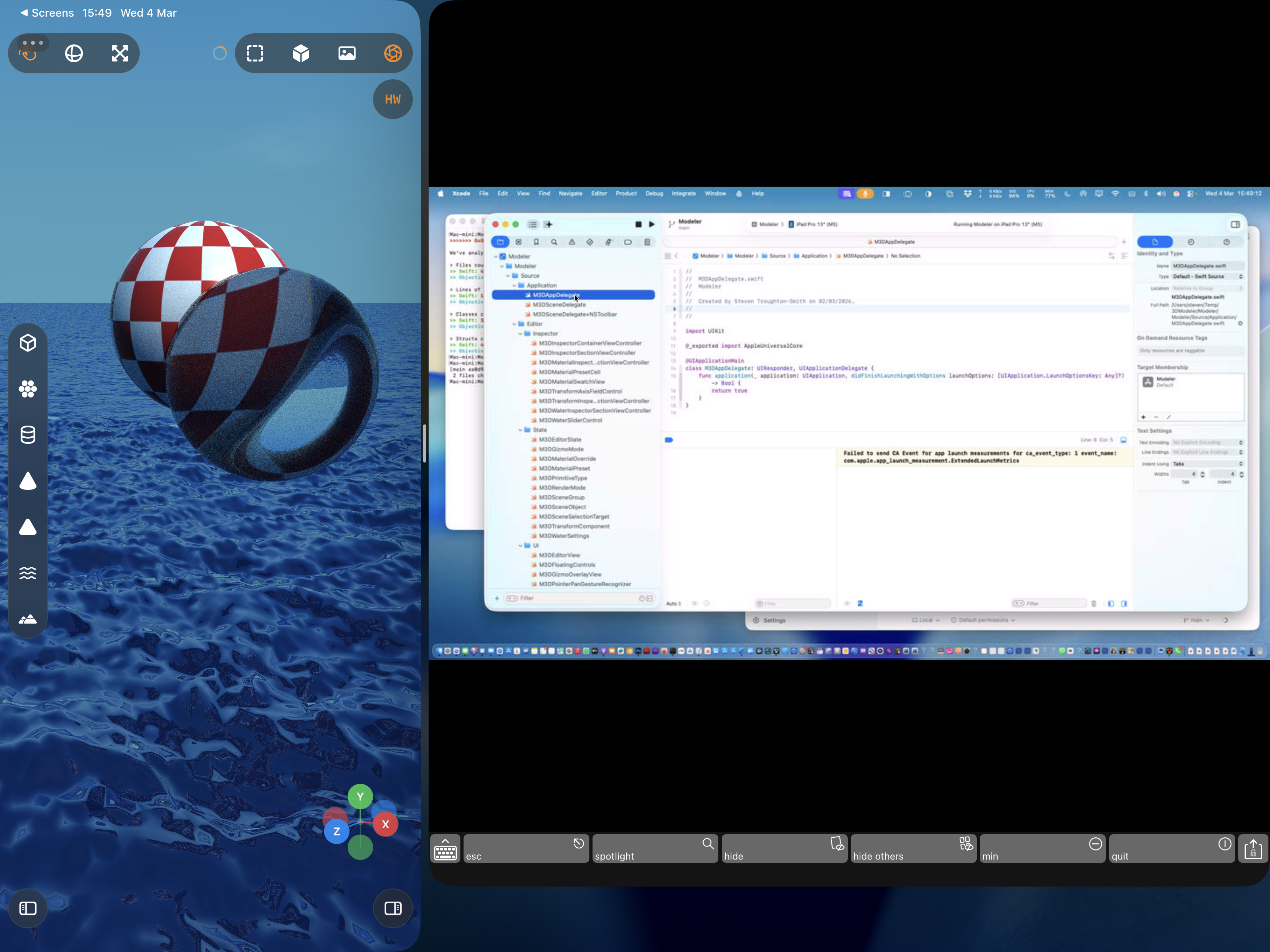
Liquid, Glass
-
Liquid, Glass
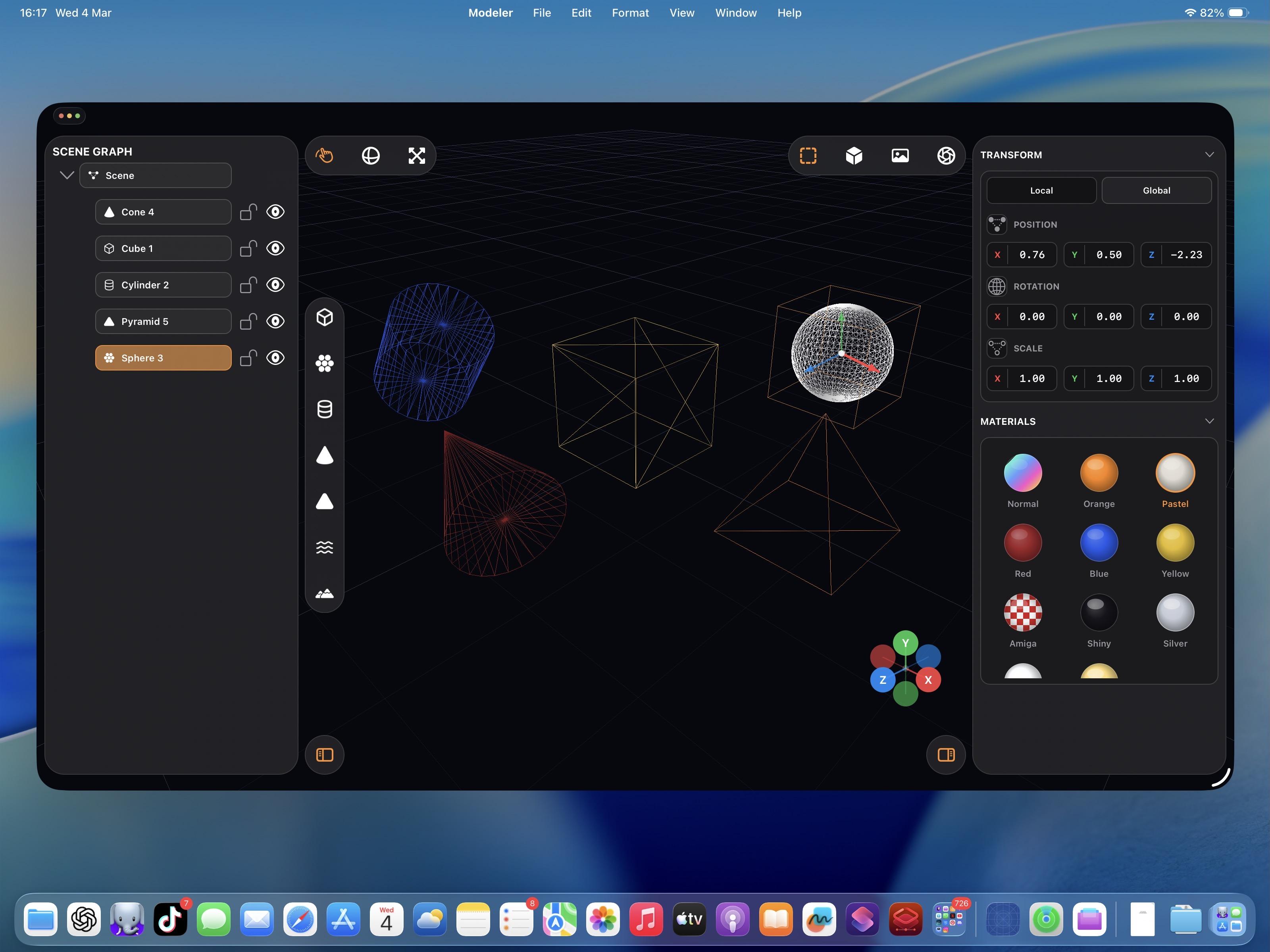
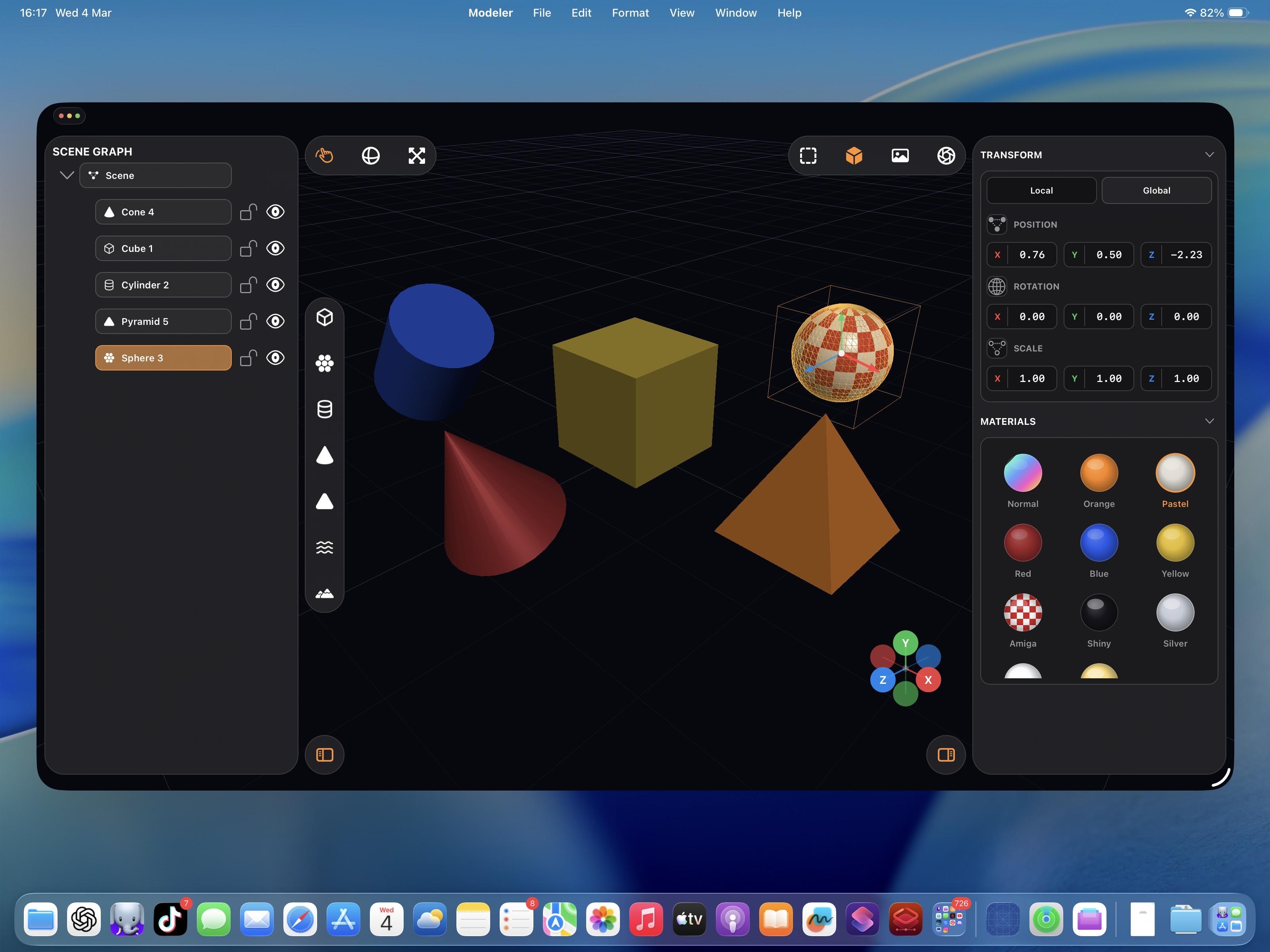
So, like, what do I even do with this app?
-
So, like, what do I even do with this app?
@stroughtonsmith post it on GitHub.
-
So, like, what do I even do with this app?
@stroughtonsmith This is just Bryce!
-
@stroughtonsmith post it on GitHub.
-
So, like, what do I even do with this app?
@stroughtonsmith at the start I thought you were going for something like a desktop Tinkercad or Shapr 3D, I would use that

-
So, like, what do I even do with this app?
@stroughtonsmith You might have to get used to the idea of making stuff just for fun again

-
So, like, what do I even do with this app?
@stroughtonsmith It could be a scene blocking app. Attaching a material tag to each color which can be passed along to an AI generator with adherence instructions.
Currently > Reference Photograph > FSpy > Blender > Workbench Render Image with separated colours > Gemini is a bit fiddly. But an AI friendly simple modeller could make this a lot easier.
-
While this raytracer may never become a finished app, there are certainly elements from it I intend to yoink for future projects — like the really neat toolbars that go around all the screen edges, they would fit into a complex pro app very nicely
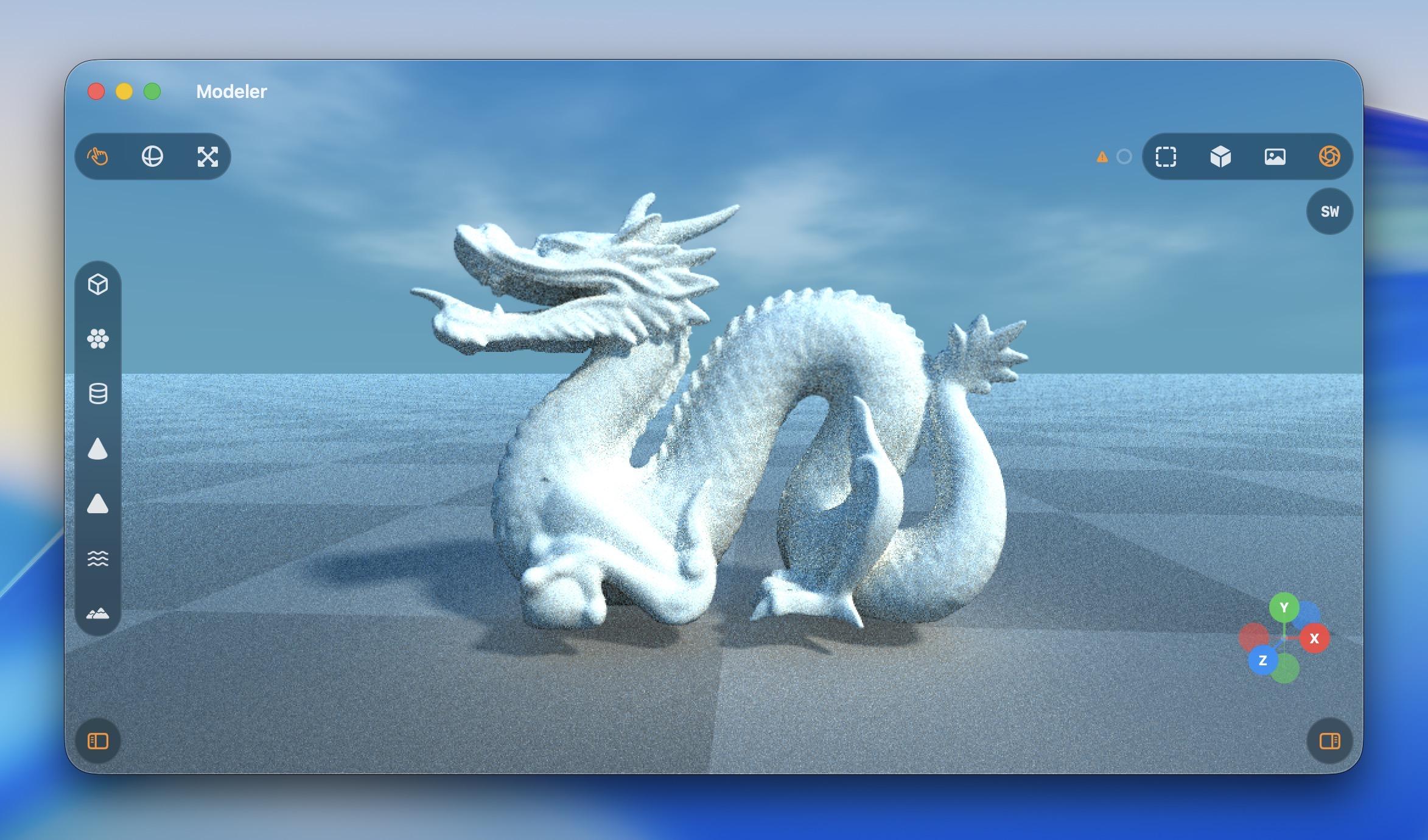
@stroughtonsmith can one vibecode Cyberpunk 2077 with pathtracing? i wonder
-
So, like, what do I even do with this app?
@stroughtonsmith you have the makings of a fine screensaver.
-
So, like, what do I even do with this app?
@stroughtonsmith make it a polished Storyboarder. It was great tool but hasn’t been supported in a while https://wonderunit.com/storyboarder
-
So, like, what do I even do with this app?
I made my control groups collapsible, with a priority system. Honestly they're my favorite part of this prototype
-
I made my control groups collapsible, with a priority system. Honestly they're my favorite part of this prototype
@stroughtonsmith that’s how ya do it!
-
So, like, what do I even do with this app?
@stroughtonsmith put it in the about screen for all your apps of course! Hi @jamesthomson.
-
@stroughtonsmith put it in the about screen for all your apps of course! Hi @jamesthomson.
-
I made my control groups collapsible, with a priority system. Honestly they're my favorite part of this prototype
The old viewport gizmo was faked in 2D, so I had it rewrite it in Metal and with a different projection, and now it's much better. I also added exponential decay to the orbit gesture so you can fling the camera around
-
The old viewport gizmo was faked in 2D, so I had it rewrite it in Metal and with a different projection, and now it's much better. I also added exponential decay to the orbit gesture so you can fling the camera around
Ha, cute, you can even fling the raytracer around

Also I added an expanded progress indicator
-
Ha, cute, you can even fling the raytracer around
Also I added an expanded progress indicator
Just a normal teapot.