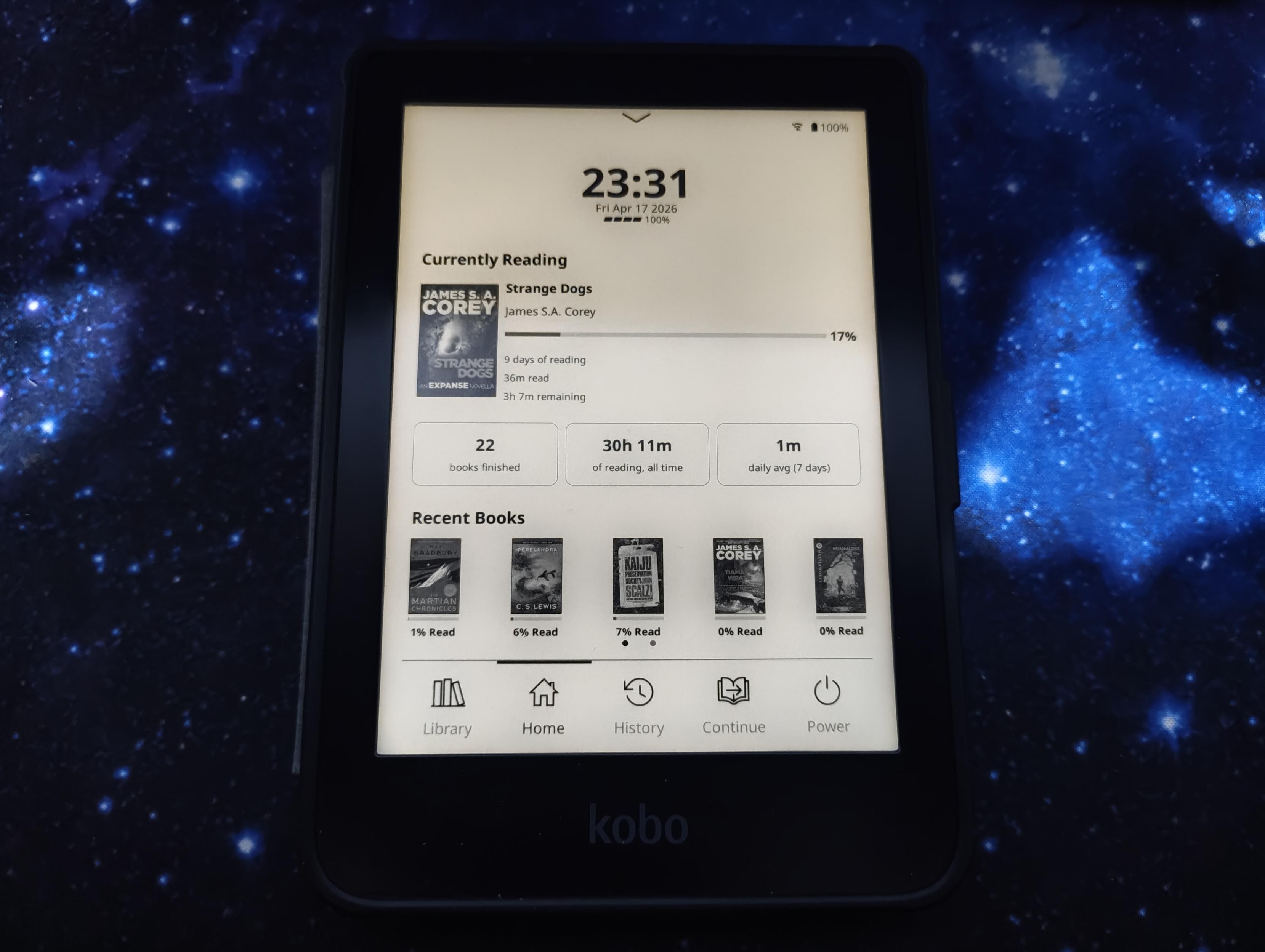
The linked article inspired me to install KOReader on my old Kobo eReader. It was just a question of copying two files to the Kobo’s root directory, and running the install.sh script there. I then also ran an update for KOReader itself once it had restarted.It was as simple as that, and the Kobo software is still on the device. I can even exit KOReader and just go back to the Kobo software as normal if I wish. It is true that the KOReader does feel very responsive, and seems better than the Kobo software.What I liked was the mass of customisation options around not only appearance and behaviour, but also all the plugins. Most surprising was the wealth of reading statistics shown from calendar view, to activity, to time per book, and a lot more.If you have a Kobo this is really well worth installing. And yes, it does beat the socks off the software that comes on any Kindle!See howtogeek.com/my-ancient-kobo-…#Blog, #ereader, #Kobo, #reading, #technology