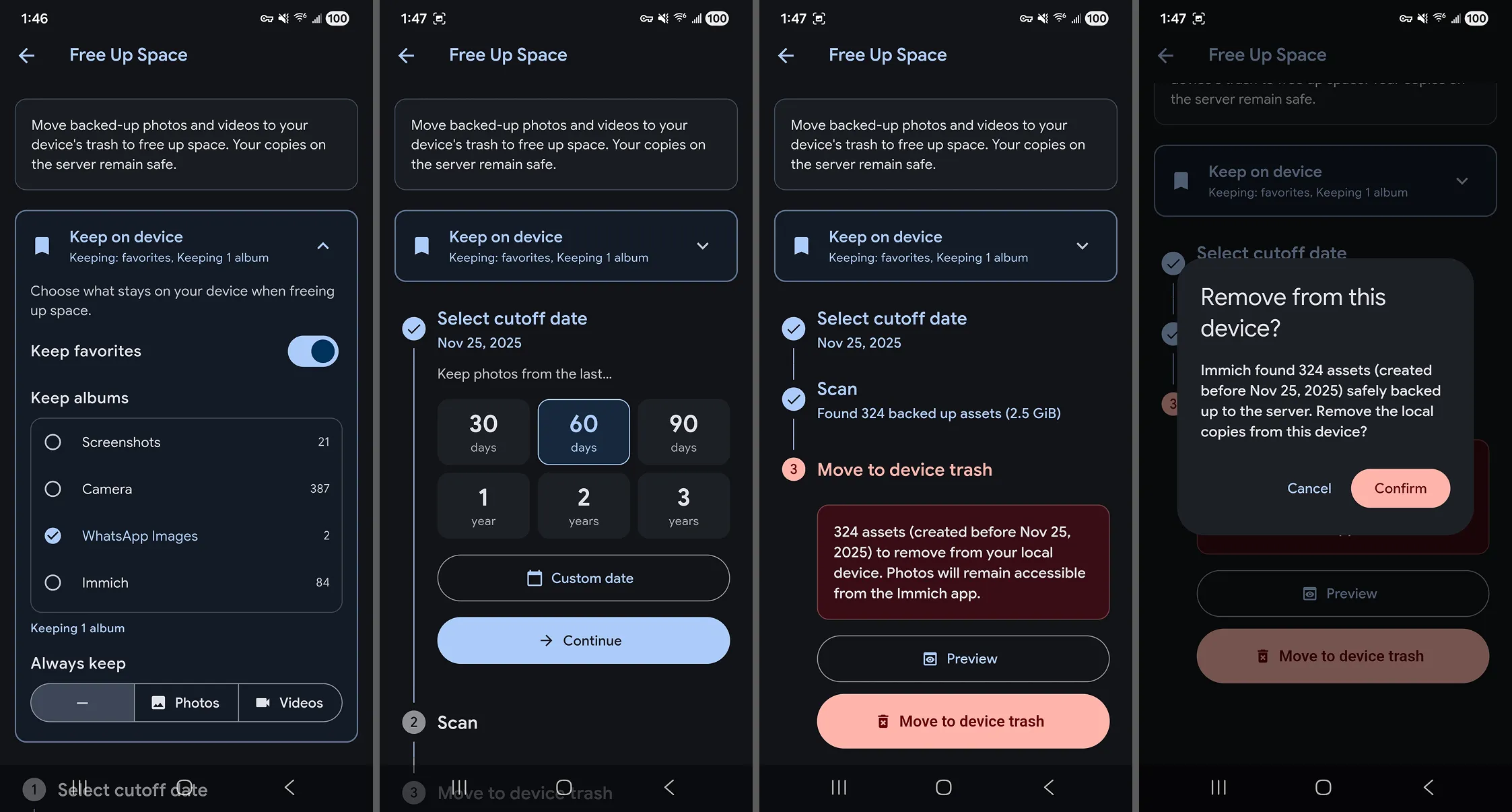
Filling the Void: My GrapheneOS App Stack & WorkflowWhen you first boot GrapheneOS, the silence is deafening. No bloat, no noise. To fill this gap, I’ve built a setup focused on Open Source and Self-hosting.Coming from a lifetime of Apple products, I’m more than satisfied with how this experiment is turning out. Here is how I solved the "emptiness":The Essentials- App Management: Obtainium (tracking updates directly from source).- Photos & Camera: Stock Pixel apps, but with network access revoked.- Photo Backups: Immich. It syncs automatically to my home server whenever I'm on my local Wi-Fi.- Keyboard: FUTO Keyboard. Surprisingly polished, easily matches the stock experience.Communication & Data- Mail: K-9 Mail (for Gmail) + native Proton & Tuta apps.- Messengers: Matrix (Element X) and Telegram (via Nekogram fork).- Passwords: Bitwarden connected to my self-hosted Vaultwarden instance.- News: Read You (RSS)- AI: Conduit for my OpenWebUI instance.Productivity & Quality of Life- Weather: Breezy Weather.- Digital Wellbeing: I use StayFree.- Sleep mode: Since GrapheneOS lacks a native "Sleep Mode," I've configured a DND schedule combined with a Color Correction shortcut to toggle grayscale mode manually.The Verdict: As a long-time iOS user, I’m impressed. The system is snappy, stable, and most importantly — it’s mine.#grapheneos #opensource #android #privacy #immich #vaultwarden #selfhosting