After a couple weeks, I found some customization to the KDE desktop environment that make me like it quite a bit better than the default configuration.
Uncategorized
3
Posts
2
Posters
3
Views
-
After a couple weeks, I found some customization to the KDE desktop environment that make me like it quite a bit better than the default configuration.
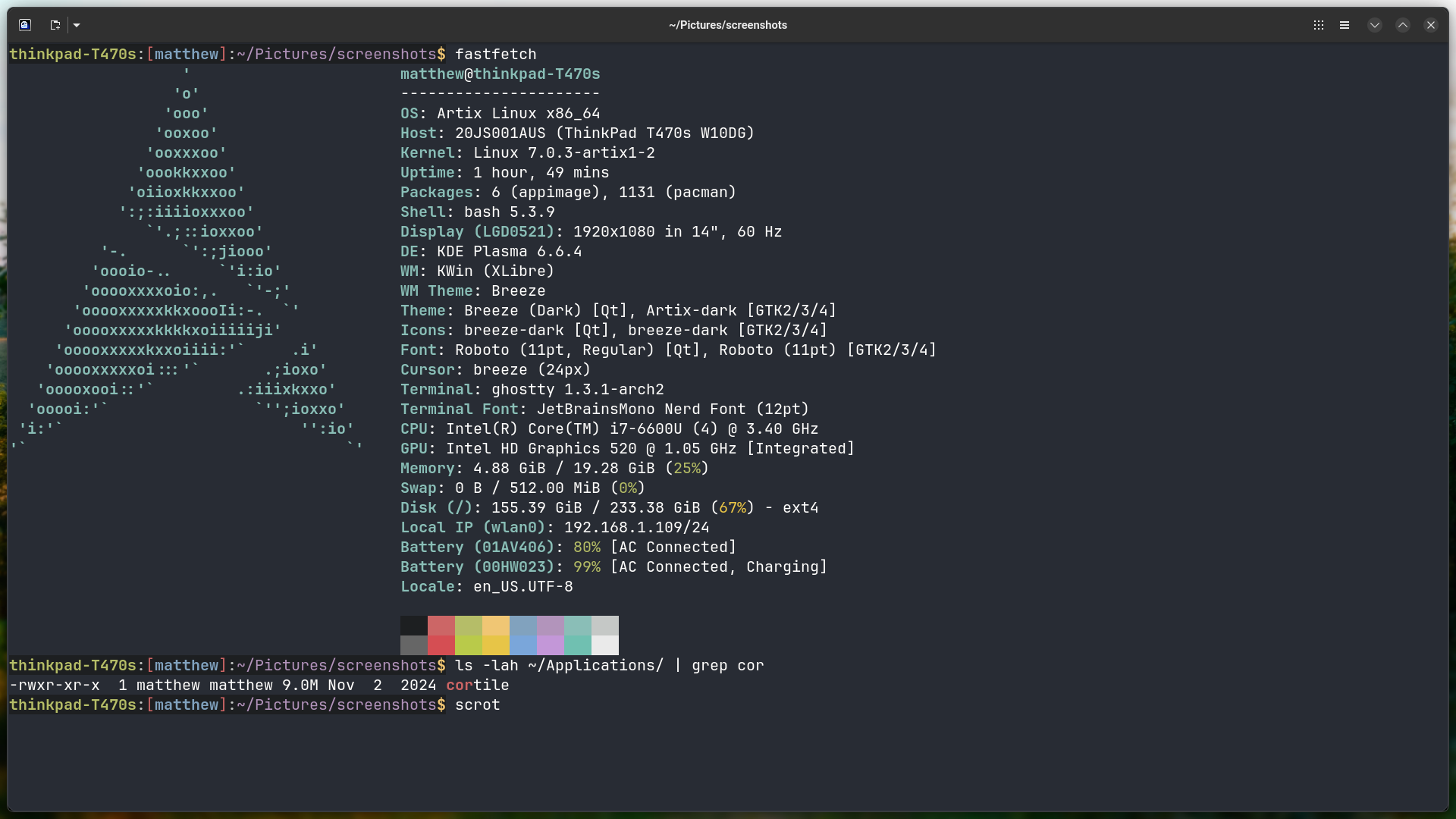
The key to this customization is a program called 'cortile' while brings features of a tiling window manager to X11 desktop environments.
The second is binding a keyboard shortcut to the "Overview" feature in KDE. By default, the Overview is activated by the top left 'hot corner', which I found by accident.
I want to focus on one window at a time and not have to worry about its position. Setting 'cortile' to the Maximized setting and the Panel Configuration Visibility to 'Dodge Windows' gives me what I was looking for.
The Overview is now tied to a keyboard shortcut and acts like rofi would, as a window and virtual desktop switcher, as well as an application launcher.
In KDE System Settings, keyboard shortcuts can be configured for switching virtual desktops and moving windows between virtual desktops. It is a bit fiddly and takes quite a bit of time to figure it out, but KDE does not disappoint with with how much it can be customized.
I think this concept and integration of cortile would also work well in the Cinnamon desktop environment (haven't yet tried it), though Cinnamon may not quite the same feature as KDE Overview.
#Linux #customization #KDE #artix #cortile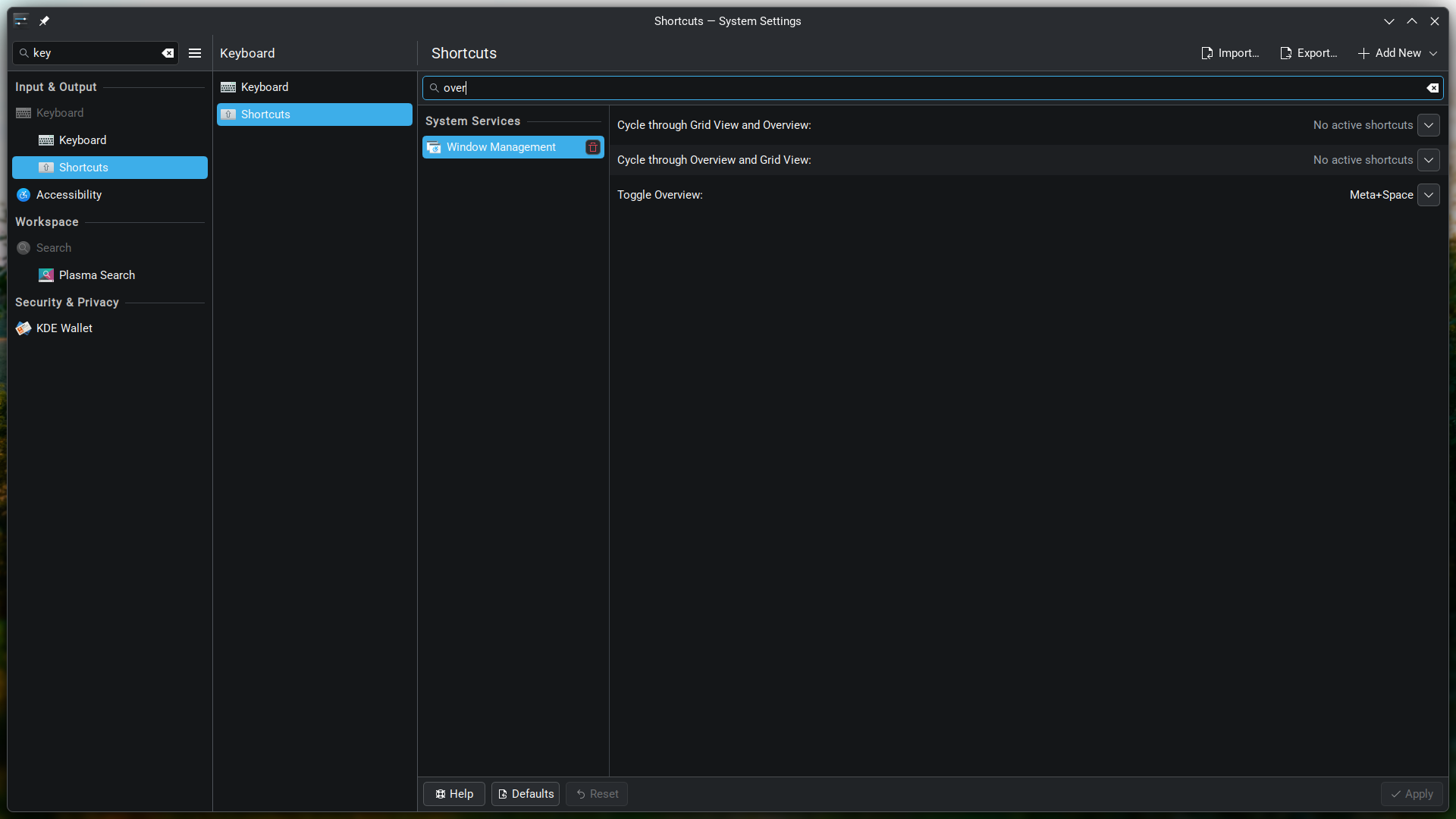
-
R relay@relay.publicsquare.global shared this topic
-
After a couple weeks, I found some customization to the KDE desktop environment that make me like it quite a bit better than the default configuration.
The key to this customization is a program called 'cortile' while brings features of a tiling window manager to X11 desktop environments.
The second is binding a keyboard shortcut to the "Overview" feature in KDE. By default, the Overview is activated by the top left 'hot corner', which I found by accident.
I want to focus on one window at a time and not have to worry about its position. Setting 'cortile' to the Maximized setting and the Panel Configuration Visibility to 'Dodge Windows' gives me what I was looking for.
The Overview is now tied to a keyboard shortcut and acts like rofi would, as a window and virtual desktop switcher, as well as an application launcher.
In KDE System Settings, keyboard shortcuts can be configured for switching virtual desktops and moving windows between virtual desktops. It is a bit fiddly and takes quite a bit of time to figure it out, but KDE does not disappoint with with how much it can be customized.
I think this concept and integration of cortile would also work well in the Cinnamon desktop environment (haven't yet tried it), though Cinnamon may not quite the same feature as KDE Overview.
#Linux #customization #KDE #artix #cortile@matthew On one of my Linux systems I still have KDE with Karousel. The default keyboard integration sucks, but hey, it's niri-like scroll-tiling layout for Plasma.
-
@matthew On one of my Linux systems I still have KDE with Karousel. The default keyboard integration sucks, but hey, it's niri-like scroll-tiling layout for Plasma.
Thanks for mentioning Karousel, as I hadn't heard of it before. Hope to try it out soon.