We are always trying to make @Vivaldi better and our latest release is another example of that.
-
We are always trying to make @Vivaldi better and our latest release is another example of that. This time our focus was on hiding the UI. Why we do that? Because some of you have been requesting a minimal UI and that is what we have now delivered, but with the UI always close and also fully under your control. Try it out and you will understand! It can be accessed from a button in the status bar or through CTRL F11. Hint : Try associating it with fullscreen (F11), for an even better experience! There is a setting for that, of course.
Another function we added is follow tab. Tie together two tabs side by side. Click a link on the left side and view it on the right side. Great for going through search results without having to go back and forth or viewing images or the like.
Let me know what you think! I hope you like it!
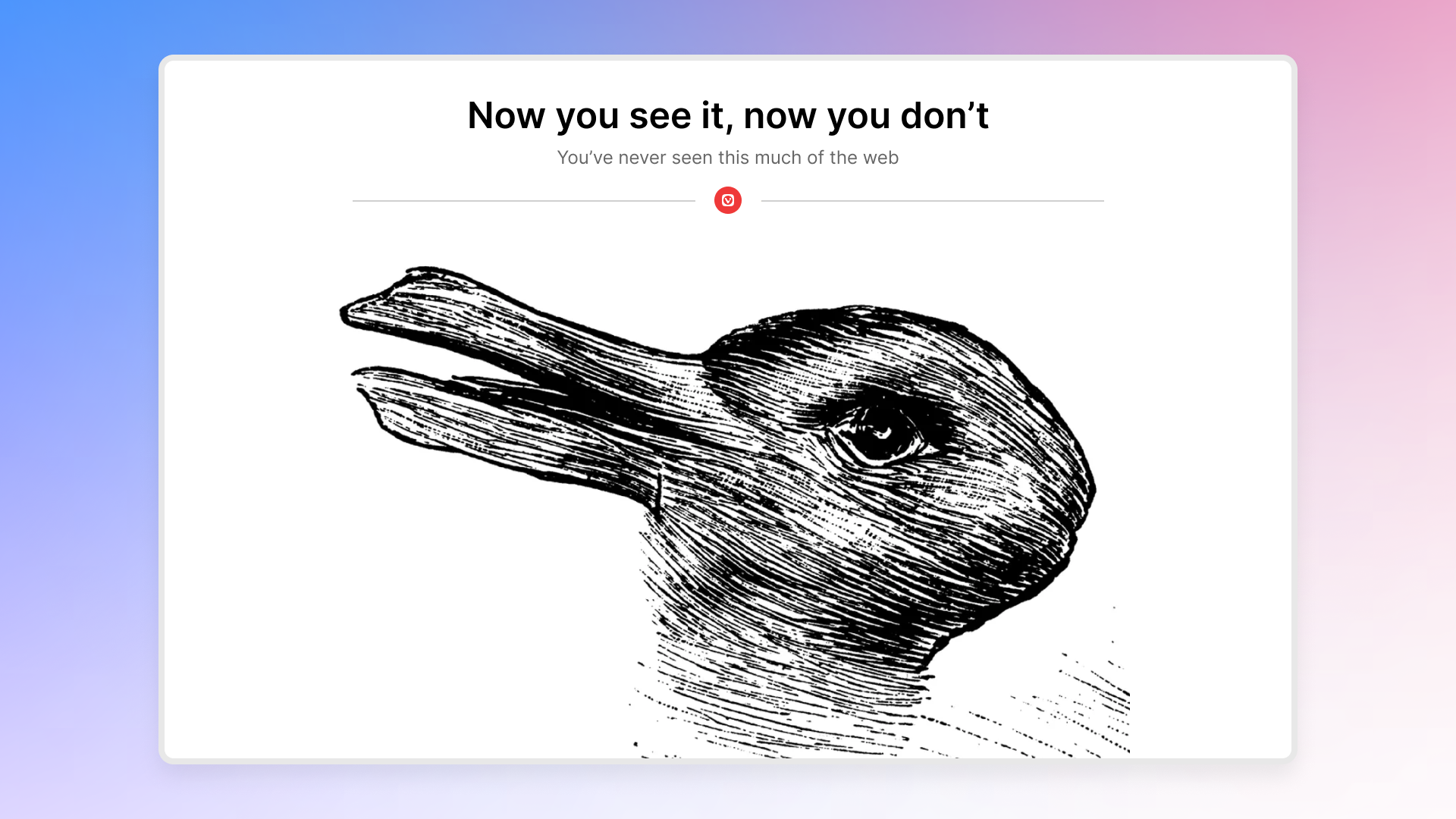
Vivaldi 7.9: Immerse yourself in the web with every pixel | Vivaldi Browser
Vivaldi launches 7.9 with a genuinely new way to reclaim your screen and a new tab feature that will become part of your daily browsing.

Vivaldi Browser (vivaldi.com)
#Vivaldi #Browser #Innovation #Windows #Macos #Linux #EU #Europa
-
We are always trying to make @Vivaldi better and our latest release is another example of that. This time our focus was on hiding the UI. Why we do that? Because some of you have been requesting a minimal UI and that is what we have now delivered, but with the UI always close and also fully under your control. Try it out and you will understand! It can be accessed from a button in the status bar or through CTRL F11. Hint : Try associating it with fullscreen (F11), for an even better experience! There is a setting for that, of course.
Another function we added is follow tab. Tie together two tabs side by side. Click a link on the left side and view it on the right side. Great for going through search results without having to go back and forth or viewing images or the like.
Let me know what you think! I hope you like it!
Vivaldi 7.9: Immerse yourself in the web with every pixel | Vivaldi Browser
Vivaldi launches 7.9 with a genuinely new way to reclaim your screen and a new tab feature that will become part of your daily browsing.
Vivaldi Browser (vivaldi.com)
#Vivaldi #Browser #Innovation #Windows #Macos #Linux #EU #Europa
-
We are always trying to make @Vivaldi better and our latest release is another example of that. This time our focus was on hiding the UI. Why we do that? Because some of you have been requesting a minimal UI and that is what we have now delivered, but with the UI always close and also fully under your control. Try it out and you will understand! It can be accessed from a button in the status bar or through CTRL F11. Hint : Try associating it with fullscreen (F11), for an even better experience! There is a setting for that, of course.
Another function we added is follow tab. Tie together two tabs side by side. Click a link on the left side and view it on the right side. Great for going through search results without having to go back and forth or viewing images or the like.
Let me know what you think! I hope you like it!
Vivaldi 7.9: Immerse yourself in the web with every pixel | Vivaldi Browser
Vivaldi launches 7.9 with a genuinely new way to reclaim your screen and a new tab feature that will become part of your daily browsing.
Vivaldi Browser (vivaldi.com)
#Vivaldi #Browser #Innovation #Windows #Macos #Linux #EU #Europa
@jon @Vivaldi Now maybe you can hide the sidebar instead of opening it every single time I open a new window. Doesn't matter whether I close the window with it closed, whether I shut down the program with it closed, NOPE - new window means open sidebar. It is slowly driving me insane and yes, there is a bug report and no, I don't care about hiding the whole UI, I JUST WANT THE SIDEBAR TO STAY HIDDEN WHEN I HIDE IT.
PS. This is the reason I do not recommend Vivaldi to friends anymore. Otherwise, it's a terrific browser, but this bug is infuriating and I won't inflict it on people I like.
-
We are always trying to make @Vivaldi better and our latest release is another example of that. This time our focus was on hiding the UI. Why we do that? Because some of you have been requesting a minimal UI and that is what we have now delivered, but with the UI always close and also fully under your control. Try it out and you will understand! It can be accessed from a button in the status bar or through CTRL F11. Hint : Try associating it with fullscreen (F11), for an even better experience! There is a setting for that, of course.
Another function we added is follow tab. Tie together two tabs side by side. Click a link on the left side and view it on the right side. Great for going through search results without having to go back and forth or viewing images or the like.
Let me know what you think! I hope you like it!
Vivaldi 7.9: Immerse yourself in the web with every pixel | Vivaldi Browser
Vivaldi launches 7.9 with a genuinely new way to reclaim your screen and a new tab feature that will become part of your daily browsing.
Vivaldi Browser (vivaldi.com)
#Vivaldi #Browser #Innovation #Windows #Macos #Linux #EU #Europa
-
We are always trying to make @Vivaldi better and our latest release is another example of that. This time our focus was on hiding the UI. Why we do that? Because some of you have been requesting a minimal UI and that is what we have now delivered, but with the UI always close and also fully under your control. Try it out and you will understand! It can be accessed from a button in the status bar or through CTRL F11. Hint : Try associating it with fullscreen (F11), for an even better experience! There is a setting for that, of course.
Another function we added is follow tab. Tie together two tabs side by side. Click a link on the left side and view it on the right side. Great for going through search results without having to go back and forth or viewing images or the like.
Let me know what you think! I hope you like it!
Vivaldi 7.9: Immerse yourself in the web with every pixel | Vivaldi Browser
Vivaldi launches 7.9 with a genuinely new way to reclaim your screen and a new tab feature that will become part of your daily browsing.
Vivaldi Browser (vivaldi.com)
#Vivaldi #Browser #Innovation #Windows #Macos #Linux #EU #Europa
-
We are always trying to make @Vivaldi better and our latest release is another example of that. This time our focus was on hiding the UI. Why we do that? Because some of you have been requesting a minimal UI and that is what we have now delivered, but with the UI always close and also fully under your control. Try it out and you will understand! It can be accessed from a button in the status bar or through CTRL F11. Hint : Try associating it with fullscreen (F11), for an even better experience! There is a setting for that, of course.
Another function we added is follow tab. Tie together two tabs side by side. Click a link on the left side and view it on the right side. Great for going through search results without having to go back and forth or viewing images or the like.
Let me know what you think! I hope you like it!
Vivaldi 7.9: Immerse yourself in the web with every pixel | Vivaldi Browser
Vivaldi launches 7.9 with a genuinely new way to reclaim your screen and a new tab feature that will become part of your daily browsing.
Vivaldi Browser (vivaldi.com)
#Vivaldi #Browser #Innovation #Windows #Macos #Linux #EU #Europa
-
@jon @Vivaldi Now maybe you can hide the sidebar instead of opening it every single time I open a new window. Doesn't matter whether I close the window with it closed, whether I shut down the program with it closed, NOPE - new window means open sidebar. It is slowly driving me insane and yes, there is a bug report and no, I don't care about hiding the whole UI, I JUST WANT THE SIDEBAR TO STAY HIDDEN WHEN I HIDE IT.
PS. This is the reason I do not recommend Vivaldi to friends anymore. Otherwise, it's a terrific browser, but this bug is infuriating and I won't inflict it on people I like.
@mitten i'm not sure what you mean.
regarding the auto-hide ui, have you tried disabling the sidebar/panel from its options? -
@mitten i'm not sure what you mean.
regarding the auto-hide ui, have you tried disabling the sidebar/panel from its options?@vekkq When I open any new window, the side panel is visible. I can close the panel, but if I open another window, that window opens with the side panel open. I do not want to disable the side panel entirely - I do use it . I just want Vivaldi to respect the fact that I have closed it and not open it automatically.

-
We are always trying to make @Vivaldi better and our latest release is another example of that. This time our focus was on hiding the UI. Why we do that? Because some of you have been requesting a minimal UI and that is what we have now delivered, but with the UI always close and also fully under your control. Try it out and you will understand! It can be accessed from a button in the status bar or through CTRL F11. Hint : Try associating it with fullscreen (F11), for an even better experience! There is a setting for that, of course.
Another function we added is follow tab. Tie together two tabs side by side. Click a link on the left side and view it on the right side. Great for going through search results without having to go back and forth or viewing images or the like.
Let me know what you think! I hope you like it!
Vivaldi 7.9: Immerse yourself in the web with every pixel | Vivaldi Browser
Vivaldi launches 7.9 with a genuinely new way to reclaim your screen and a new tab feature that will become part of your daily browsing.
Vivaldi Browser (vivaldi.com)
#Vivaldi #Browser #Innovation #Windows #Macos #Linux #EU #Europa
-
 T tsrono@mastodon.social shared this topic