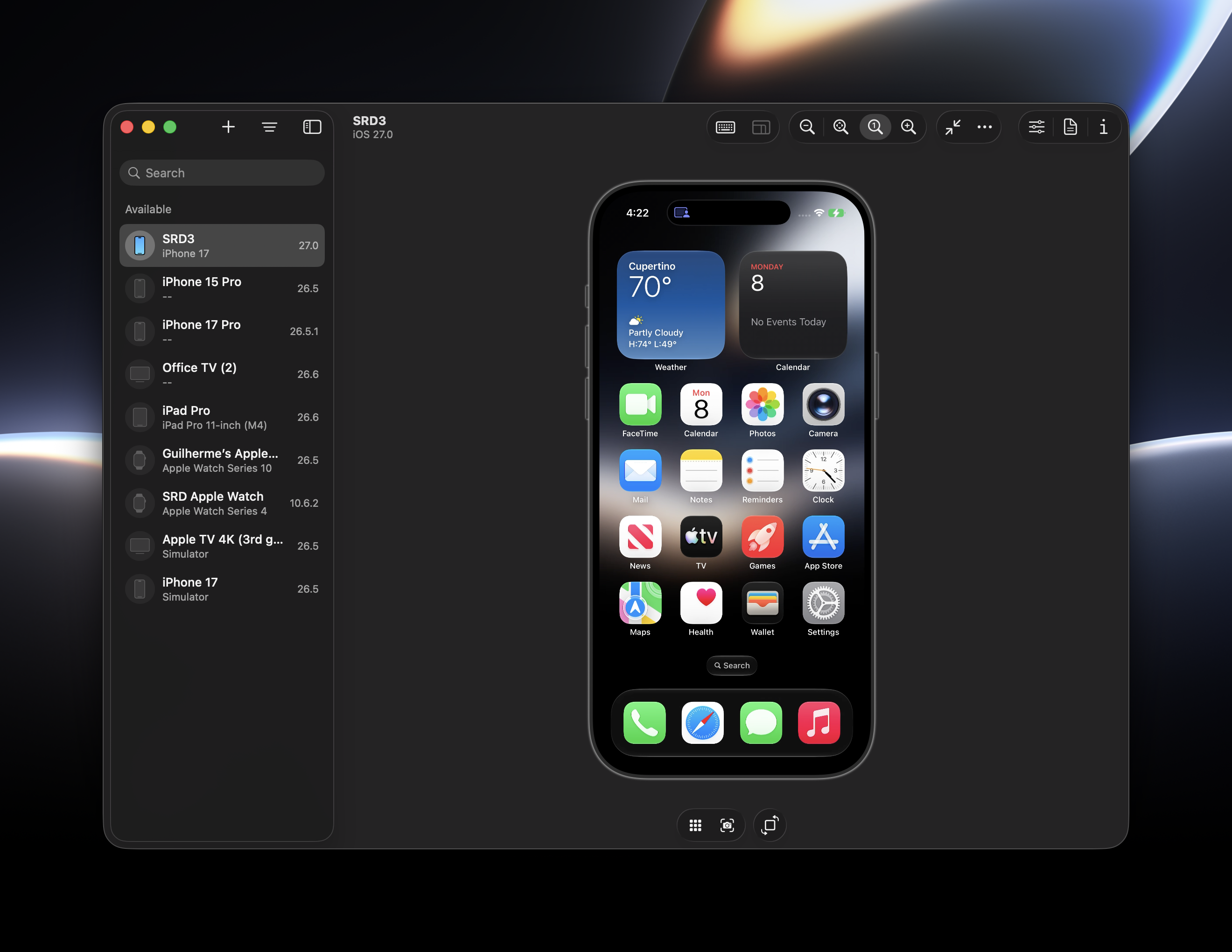
I wasn't sure from the presentation, but you can actually control a real iPhone (not just Simulators) using the new Device Hub in Xcode 27 (and your Mac doesn't have to be running macOS 27, I'm on macOS 26.5.1) #wwdc26
-
I wasn't sure from the presentation, but you can actually control a real iPhone (not just Simulators) using the new Device Hub in Xcode 27 (and your Mac doesn't have to be running macOS 27, I'm on macOS 26.5.1) #wwdc26
-
I wasn't sure from the presentation, but you can actually control a real iPhone (not just Simulators) using the new Device Hub in Xcode 27 (and your Mac doesn't have to be running macOS 27, I'm on macOS 26.5.1) #wwdc26
Unlike with iPhone Mirroring, this does not require the device to be on the same iCloud account as your Mac, it just requires developer mode to be enabled and the device to be running iOS 27 #wwdc26
-
Unlike with iPhone Mirroring, this does not require the device to be on the same iCloud account as your Mac, it just requires developer mode to be enabled and the device to be running iOS 27 #wwdc26
@_inside does this new thing work in EU, I wonder?
iPhone mirroring is not available in EU
-
I wasn't sure from the presentation, but you can actually control a real iPhone (not just Simulators) using the new Device Hub in Xcode 27 (and your Mac doesn't have to be running macOS 27, I'm on macOS 26.5.1) #wwdc26
@_inside I saw a mirroring option for iPad as well when I downloaded
Do you know if I can control iPad with OS 27 too or is it just mirroring? -
@_inside I saw a mirroring option for iPad as well when I downloaded
Do you know if I can control iPad with OS 27 too or is it just mirroring?@yidev It works the same for iPads
-
R relay@relay.infosec.exchange shared this topic