Skip to content
  • Categories
  • Recent
  • Tags
  • Popular
  • World
  • Users
  • Groups
Skins
  • Light
  • Brite
  • Cerulean
  • Cosmo
  • Flatly
  • Journal
  • Litera
  • Lumen
  • Lux
  • Materia
  • Minty
  • Morph
  • Pulse
  • Sandstone
  • Simplex
  • Sketchy
  • Spacelab
  • United
  • Yeti
  • Zephyr
  • Dark
  • Cyborg
  • Darkly
  • Quartz
  • Slate
  • Solar
  • Superhero
  • Vapor

  • Default (Cyborg)
  • No Skin
Collapse
Brand Logo

CIRCLE WITH A DOT

  1. Home
  2. Development & Open Source
  3. FOSS
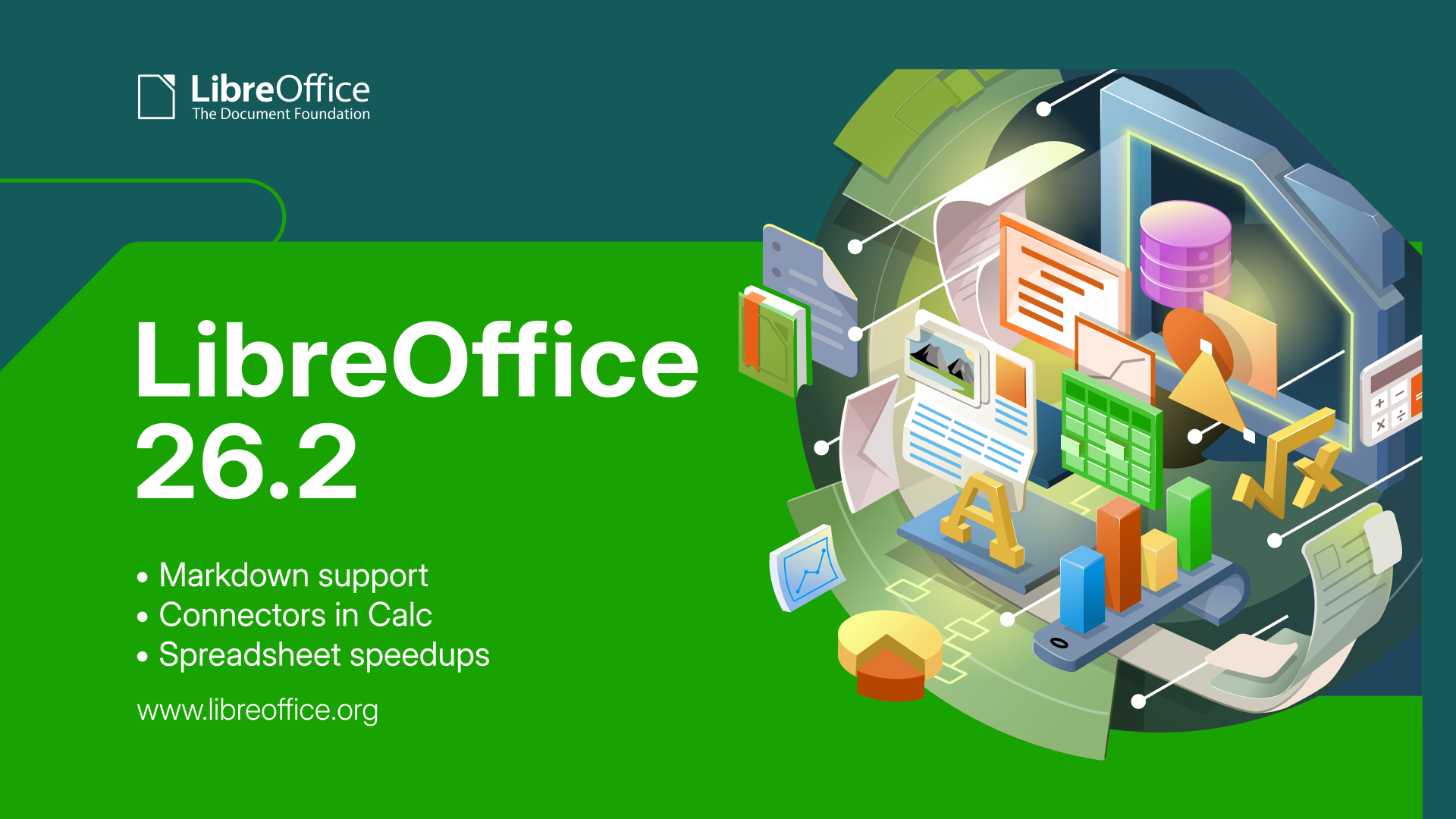
  4. #LibreOffice 26.2.1 is here – the first minor update to our newest stable branch: https://blog.documentfoundation.org/blog/2026/02/26/tdf-releases-libreoffice-2621/ #foss #opensource #freesoftware
#LibreOffice 26.2.1 is here – the first minor update to our newest stable branch: https://blog.documentfoundation.org/blog/2026/02/26/tdf-releases-libreoffice-2621/ #foss #opensource #freesoftware

Scheduled Pinned Locked Moved FOSS
libreofficefossopensourcefreesoftware
14 Posts 5 Posters 7 Views
  • Oldest to Newest
  • Newest to Oldest
  • Most Votes
Reply
  • Reply as topic
Log in to reply
This topic has been deleted. Only users with topic management privileges can see it.
  • jerrej@mastodon.socialJ jerrej@mastodon.social

    @libreoffice

    Will this version not look like it's ignoring basic UI preferences or will I still need to squint to navigate the glaring non-dark-mode interface with its tiny icons and tiny pixellated typeface?

    libreoffice@fosstodon.orgL This user is from outside of this forum
    libreoffice@fosstodon.orgL This user is from outside of this forum
    libreoffice@fosstodon.org
    wrote last edited by
    #4

    @jerrej It's a bit hard to answer your question without any details (such as your operating system) and a screenshot of what you mean. There are many different icon themes to choose from...

    jerrej@mastodon.socialJ 1 Reply Last reply
    0
    • libreoffice@fosstodon.orgL libreoffice@fosstodon.org

      @jerrej It's a bit hard to answer your question without any details (such as your operating system) and a screenshot of what you mean. There are many different icon themes to choose from...

      jerrej@mastodon.socialJ This user is from outside of this forum
      jerrej@mastodon.socialJ This user is from outside of this forum
      jerrej@mastodon.social
      wrote last edited by
      #5

      @libreoffice
      Thank you for asking! I run Ubuntu (blame them?), currently with a MATE desktop. But I've seen the same with KDE Plasma, XFCE, and so on. It's always the same. I might post a screenshot when I get back home to my laptop but I am unsure if that would help.

      jerrej@mastodon.socialJ 1 Reply Last reply
      0
      • jerrej@mastodon.socialJ jerrej@mastodon.social

        @libreoffice
        Thank you for asking! I run Ubuntu (blame them?), currently with a MATE desktop. But I've seen the same with KDE Plasma, XFCE, and so on. It's always the same. I might post a screenshot when I get back home to my laptop but I am unsure if that would help.

        jerrej@mastodon.socialJ This user is from outside of this forum
        jerrej@mastodon.socialJ This user is from outside of this forum
        jerrej@mastodon.social
        wrote last edited by
        #6

        @libreoffice

        Also, it's not at all about some icon theme, it's that the icons are not appropriate for the UI (too *small*) and more importantly that the UI text and the document text typeface are too *small*.

        libreoffice@fosstodon.orgL 1 Reply Last reply
        0
        • jerrej@mastodon.socialJ jerrej@mastodon.social

          @libreoffice

          Also, it's not at all about some icon theme, it's that the icons are not appropriate for the UI (too *small*) and more importantly that the UI text and the document text typeface are too *small*.

          libreoffice@fosstodon.orgL This user is from outside of this forum
          libreoffice@fosstodon.orgL This user is from outside of this forum
          libreoffice@fosstodon.org
          wrote last edited by
          #7

          @jerrej Please do post a screenshot. There are a million combinations of hardware and software out there (especially with all the different Linux distros) so maybe it's a scaling issue or something else we can fix.

          jerrej@mastodon.socialJ 1 Reply Last reply
          0
          • libreoffice@fosstodon.orgL libreoffice@fosstodon.org

            #LibreOffice 26.2.1 is here – the first minor update to our newest stable branch: https://blog.documentfoundation.org/blog/2026/02/26/tdf-releases-libreoffice-2621/ #foss #opensource #freesoftware

            christoff@yem.bouncingaroundtheroom.onlineC This user is from outside of this forum
            christoff@yem.bouncingaroundtheroom.onlineC This user is from outside of this forum
            christoff@yem.bouncingaroundtheroom.online
            wrote last edited by
            #8

            @jake4480 heck yeah, MD support https://wiki.documentfoundation.org/ReleaseNotes/26.2#Markdown

            @libreoffice

            1 Reply Last reply
            0
            • libreoffice@fosstodon.orgL libreoffice@fosstodon.org

              #LibreOffice 26.2.1 is here – the first minor update to our newest stable branch: https://blog.documentfoundation.org/blog/2026/02/26/tdf-releases-libreoffice-2621/ #foss #opensource #freesoftware

              lcwander@toot.communityL This user is from outside of this forum
              lcwander@toot.communityL This user is from outside of this forum
              lcwander@toot.community
              wrote last edited by
              #9

              @libreoffice RE markdown export, it could be nice to have some extra options to not convert some OLE objects (specifically equations) to images in the markdown file.

              Use case here: Sharing documents with equations to non-techie people, then using Libreoffice->md->pandoc to generate LaTeX typeset pdfs

              libreoffice@fosstodon.orgL 1 Reply Last reply
              0
              • lcwander@toot.communityL lcwander@toot.community

                @libreoffice RE markdown export, it could be nice to have some extra options to not convert some OLE objects (specifically equations) to images in the markdown file.

                Use case here: Sharing documents with equations to non-techie people, then using Libreoffice->md->pandoc to generate LaTeX typeset pdfs

                libreoffice@fosstodon.orgL This user is from outside of this forum
                libreoffice@fosstodon.orgL This user is from outside of this forum
                libreoffice@fosstodon.org
                wrote last edited by
                #10

                @lcwander Thanks for the feedback! You can submit enhancement requests here: https://bugs.documentfoundation.org – But of course, we're a volunteer-driven project with very limited resources. To get a new feature more quickly, you can consider helping our volunteers, or funding a developer. Thank you ☺️

                1 Reply Last reply
                0
                • libreoffice@fosstodon.orgL libreoffice@fosstodon.org

                  @jerrej Please do post a screenshot. There are a million combinations of hardware and software out there (especially with all the different Linux distros) so maybe it's a scaling issue or something else we can fix.

                  jerrej@mastodon.socialJ This user is from outside of this forum
                  jerrej@mastodon.socialJ This user is from outside of this forum
                  jerrej@mastodon.social
                  wrote last edited by
                  #11

                  @libreoffice

                  Link Preview Image
                  libreoffice@fosstodon.orgL 1 Reply Last reply
                  0
                  • jerrej@mastodon.socialJ jerrej@mastodon.social

                    @libreoffice

                    Link Preview Image
                    libreoffice@fosstodon.orgL This user is from outside of this forum
                    libreoffice@fosstodon.orgL This user is from outside of this forum
                    libreoffice@fosstodon.org
                    wrote last edited by
                    #12

                    @jerrej Oh, LibreOffice shouldn't look like that at all! You are missing a vital desktop integration package for your distro. Search for "libreoffice-gtk" or similar in your package manager...

                    jerrej@mastodon.socialJ 1 Reply Last reply
                    0
                    • libreoffice@fosstodon.orgL libreoffice@fosstodon.org

                      @jerrej Oh, LibreOffice shouldn't look like that at all! You are missing a vital desktop integration package for your distro. Search for "libreoffice-gtk" or similar in your package manager...

                      jerrej@mastodon.socialJ This user is from outside of this forum
                      jerrej@mastodon.socialJ This user is from outside of this forum
                      jerrej@mastodon.social
                      wrote last edited by
                      #13

                      @libreoffice

                      ```apt install libreoffice-gtk3```

                      That "fixes" it, so thank you for the suggestion, but still I must ask: why then does it look so crappy *by default*?

                      It seems like a plausible desktop UI design from more than 25 years ago, so my guess is literally no one has touched those defaults since the late 1990s.

                      libreoffice@fosstodon.orgL 1 Reply Last reply
                      0
                      • jerrej@mastodon.socialJ jerrej@mastodon.social

                        @libreoffice

                        ```apt install libreoffice-gtk3```

                        That "fixes" it, so thank you for the suggestion, but still I must ask: why then does it look so crappy *by default*?

                        It seems like a plausible desktop UI design from more than 25 years ago, so my guess is literally no one has touched those defaults since the late 1990s.

                        libreoffice@fosstodon.orgL This user is from outside of this forum
                        libreoffice@fosstodon.orgL This user is from outside of this forum
                        libreoffice@fosstodon.org
                        wrote last edited by
                        #14

                        @jerrej Well yes, Linux distros usually include the Gtk/Qt integration too, so the old-looking VCL interface should hardly ever come up. That's why there's no need to update it. But yes, there is an argument that when the desktop integration package is missing, LibreOffice should alert the user (while showing the old-looking VCL interface).


                        1 Reply Last reply
                        0
                        Reply
                        • Reply as topic
                        Log in to reply
                        • Oldest to Newest
                        • Newest to Oldest
                        • Most Votes


                        • Login

                        • Login or register to search.
                        • First post
                          Last post
                        0
                        • Categories
                        • Recent
                        • Tags
                        • Popular
                        • World
                        • Users
                        • Groups