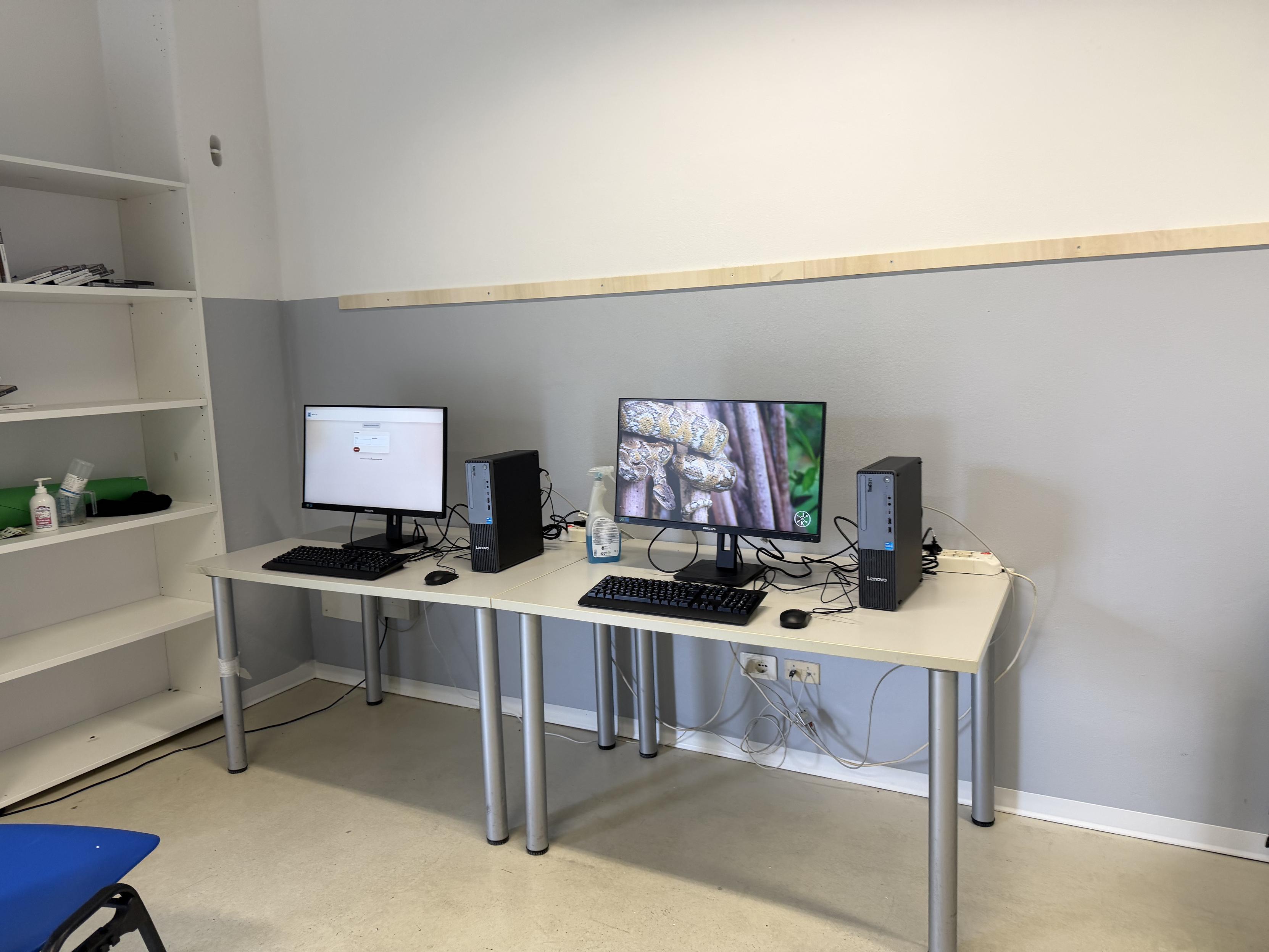
Some moments from yesterday’s installation.
-
Some moments from yesterday’s installation.
The clients are Debian Linux, and the server is FreeBSD.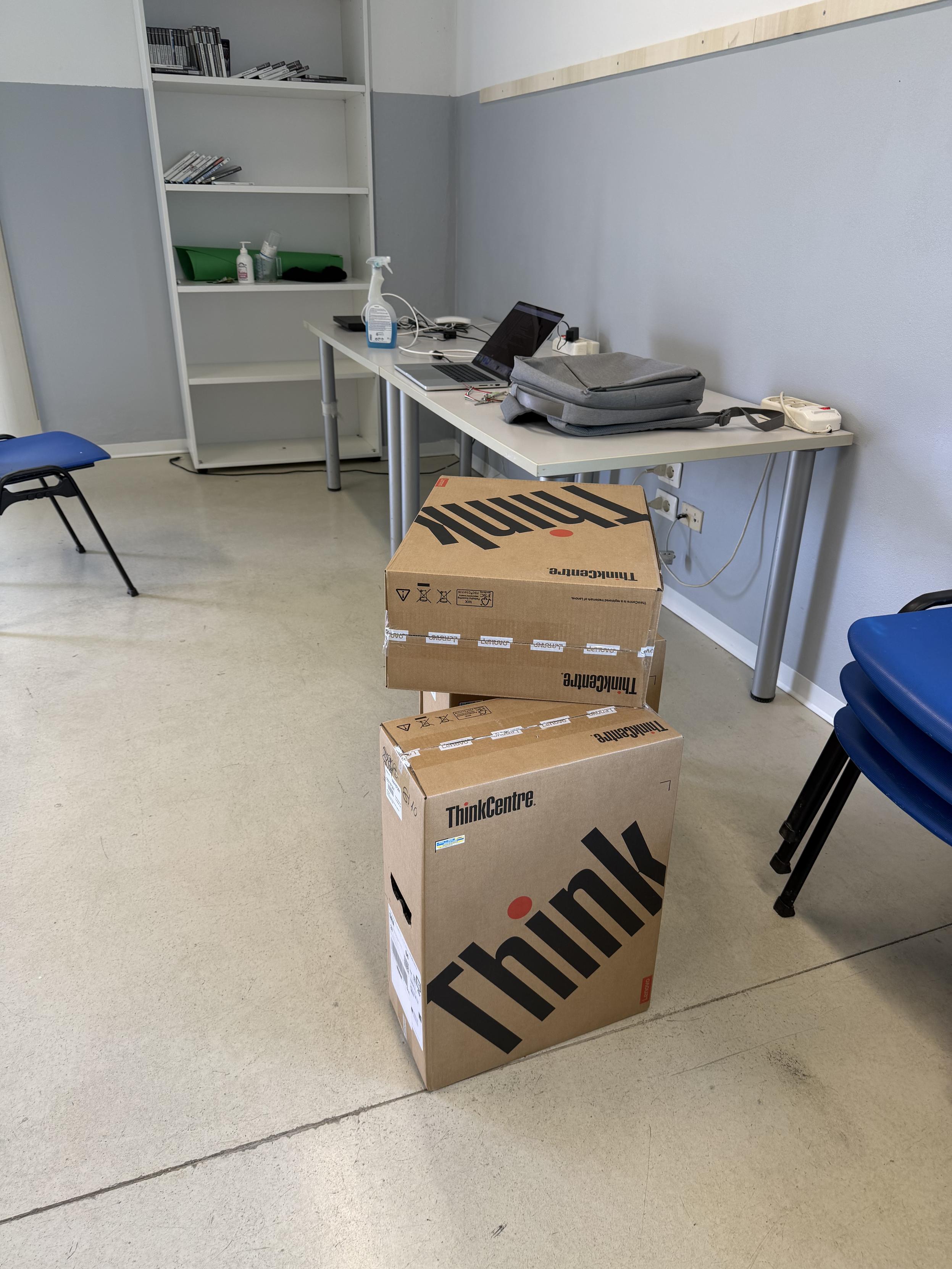
-
@stefano What does this company do?
-
@stefano What does this company do?
@mms the client is a public office. This is an aggregation room for young people, and those PCs will be used by them.
It's a custom setup (I developed almost 20 years ago, always updated) to give a sort of "kiosk mode". The PCs will boot to a welcome, login screen (actually a web page) and, after the login, the login/auth server (FreeBSD) will authorise the session, giving a command to those PCs to launch a dockerized X11 session. The Mikrotik router will also receive a command to create an "accept" rule and authorise that PC to navigate. People can use the PCs for a specific amount of time every day. After that time, the session will be closed and the docker container will be discarded.Upgrading the PCs is also simple: I just push the entire docker env to the private docker registry and the pcs will download it every 24 hours (or after booting).
-
@mms the client is a public office. This is an aggregation room for young people, and those PCs will be used by them.
It's a custom setup (I developed almost 20 years ago, always updated) to give a sort of "kiosk mode". The PCs will boot to a welcome, login screen (actually a web page) and, after the login, the login/auth server (FreeBSD) will authorise the session, giving a command to those PCs to launch a dockerized X11 session. The Mikrotik router will also receive a command to create an "accept" rule and authorise that PC to navigate. People can use the PCs for a specific amount of time every day. After that time, the session will be closed and the docker container will be discarded.Upgrading the PCs is also simple: I just push the entire docker env to the private docker registry and the pcs will download it every 24 hours (or after booting).
@stefano Sweet!
-
@mms the client is a public office. This is an aggregation room for young people, and those PCs will be used by them.
It's a custom setup (I developed almost 20 years ago, always updated) to give a sort of "kiosk mode". The PCs will boot to a welcome, login screen (actually a web page) and, after the login, the login/auth server (FreeBSD) will authorise the session, giving a command to those PCs to launch a dockerized X11 session. The Mikrotik router will also receive a command to create an "accept" rule and authorise that PC to navigate. People can use the PCs for a specific amount of time every day. After that time, the session will be closed and the docker container will be discarded.Upgrading the PCs is also simple: I just push the entire docker env to the private docker registry and the pcs will download it every 24 hours (or after booting).
-
-
@stefano
Debian and FreeBSD is a fantastic combo!

-
@stefano
Debian and FreeBSD is a fantastic combo! @jhx it definitely is!