I want to do some more stuff with Apricot graphics.
-
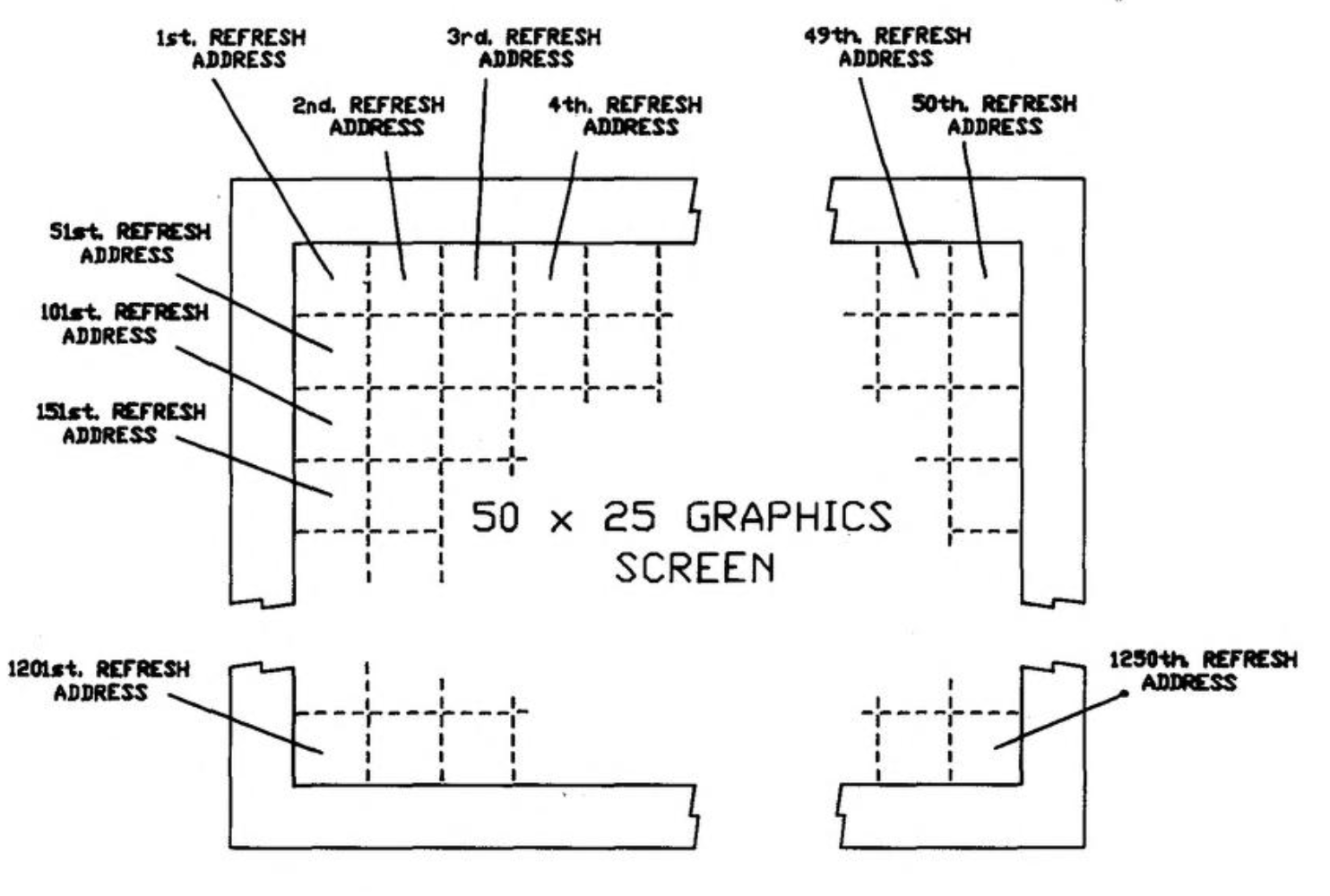
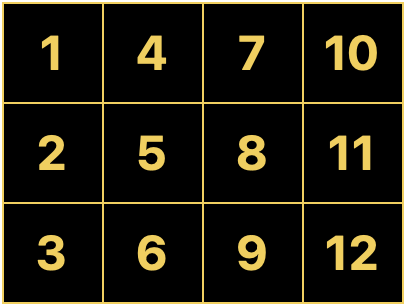
I want to do some more stuff with Apricot graphics. See, the thing is, these computers don't really _have_ graphics. What they have is a character mode with 16x16 pixel cells. Every pixel is addressable, but every pixel exists inside redefinable character memory, so you have to know where the particular character is in memory to modify its pixels. Which means there's different ways you can map the "characters" to the screen.
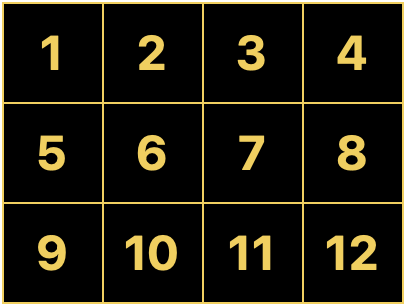
I had originally set this up in the usual way, with each cell following the next in rows and columns. But I realized much later that if you arrange the character cells in columns, every column becomes a contiguous region of 16-bit words. The math becomes simpler, and the whole thing runs faster.
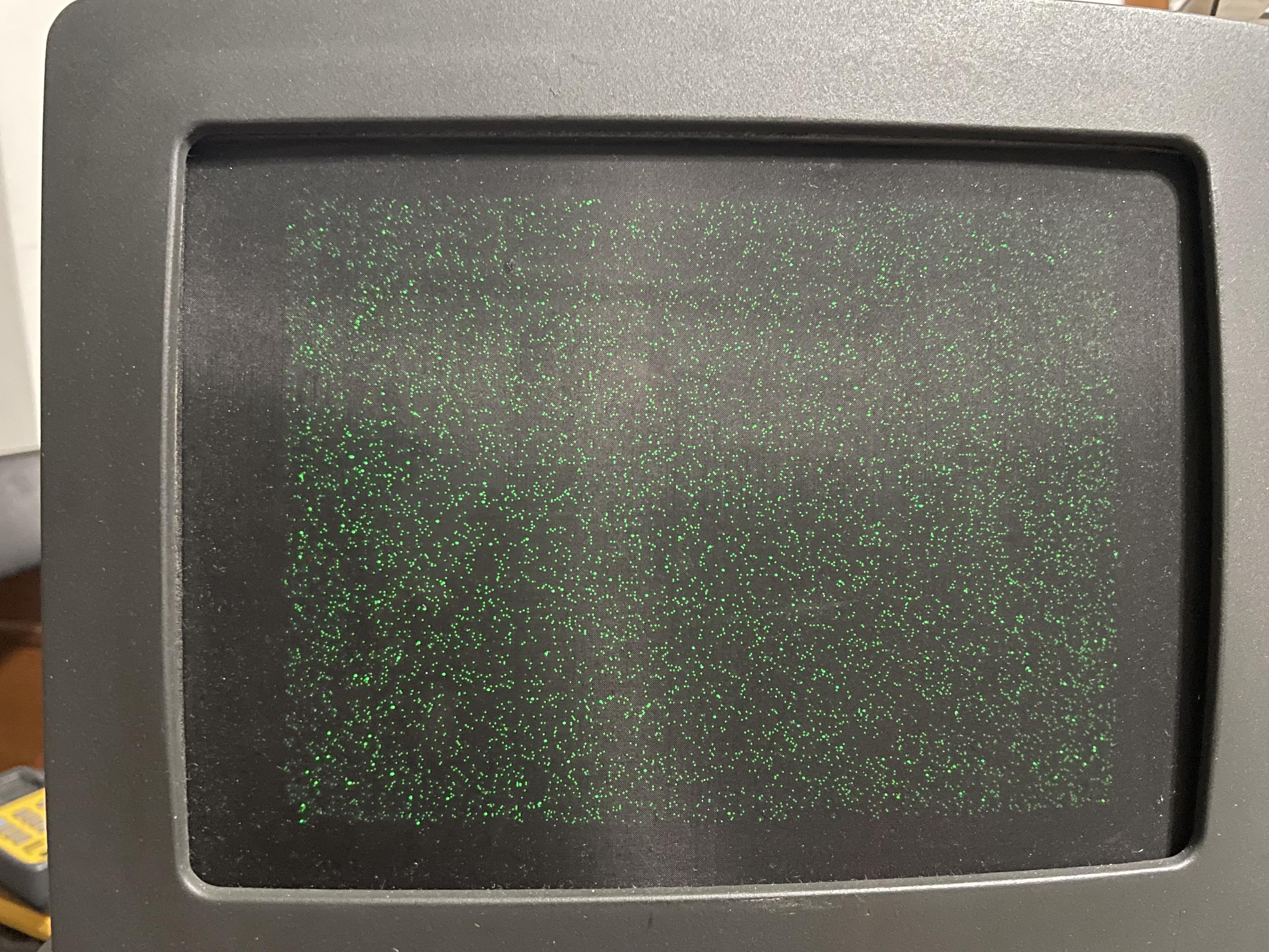
I wrote a benchmark that tested several different approaches in Turbo Pascal. Everything from a naive implementation using multiplication to hand-tuned assembly. It just pregenerates 10,000 random dots and plots them to the screen using the various methods. The dots on this screen are so fine they almost look like dust.
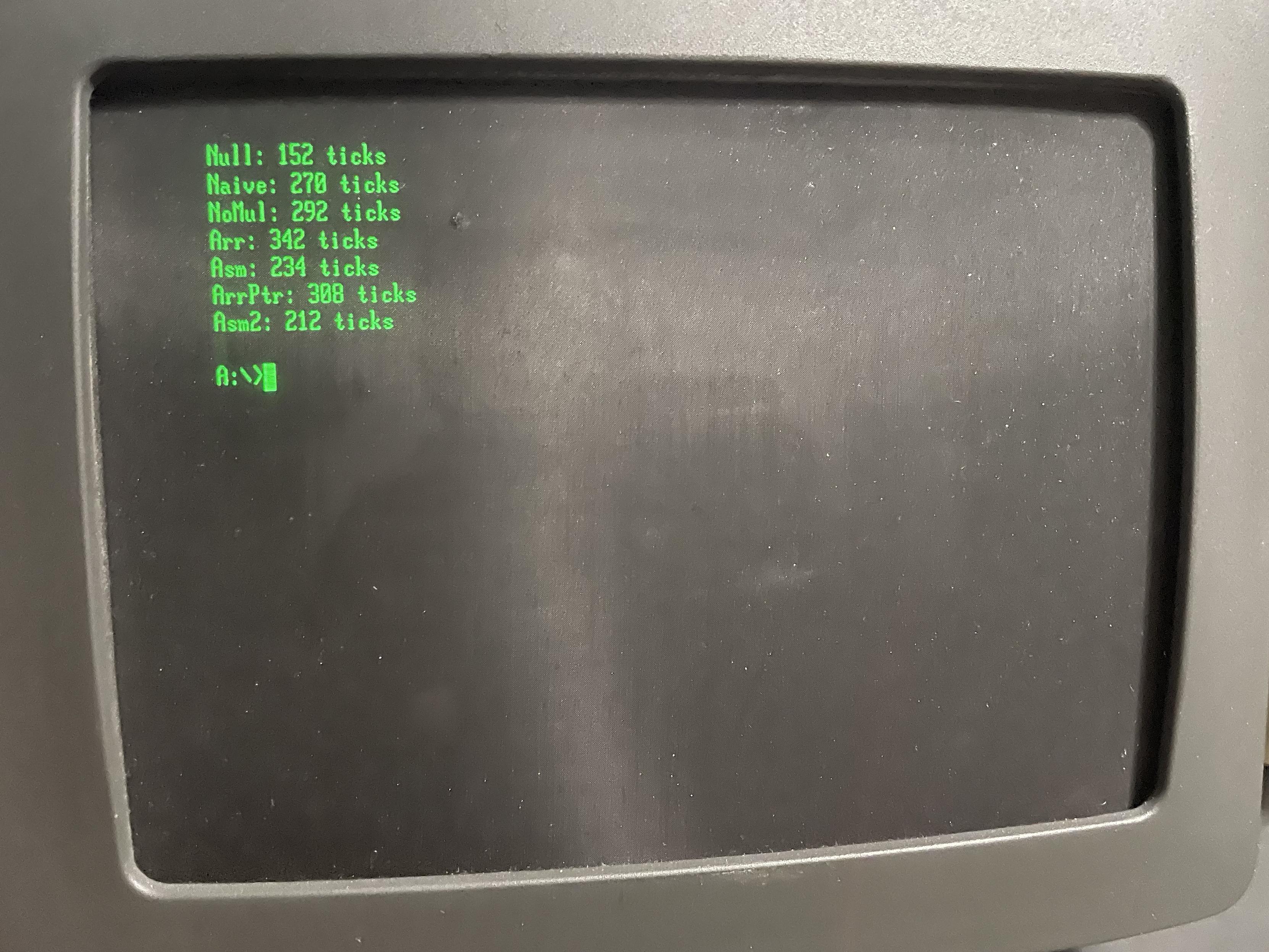
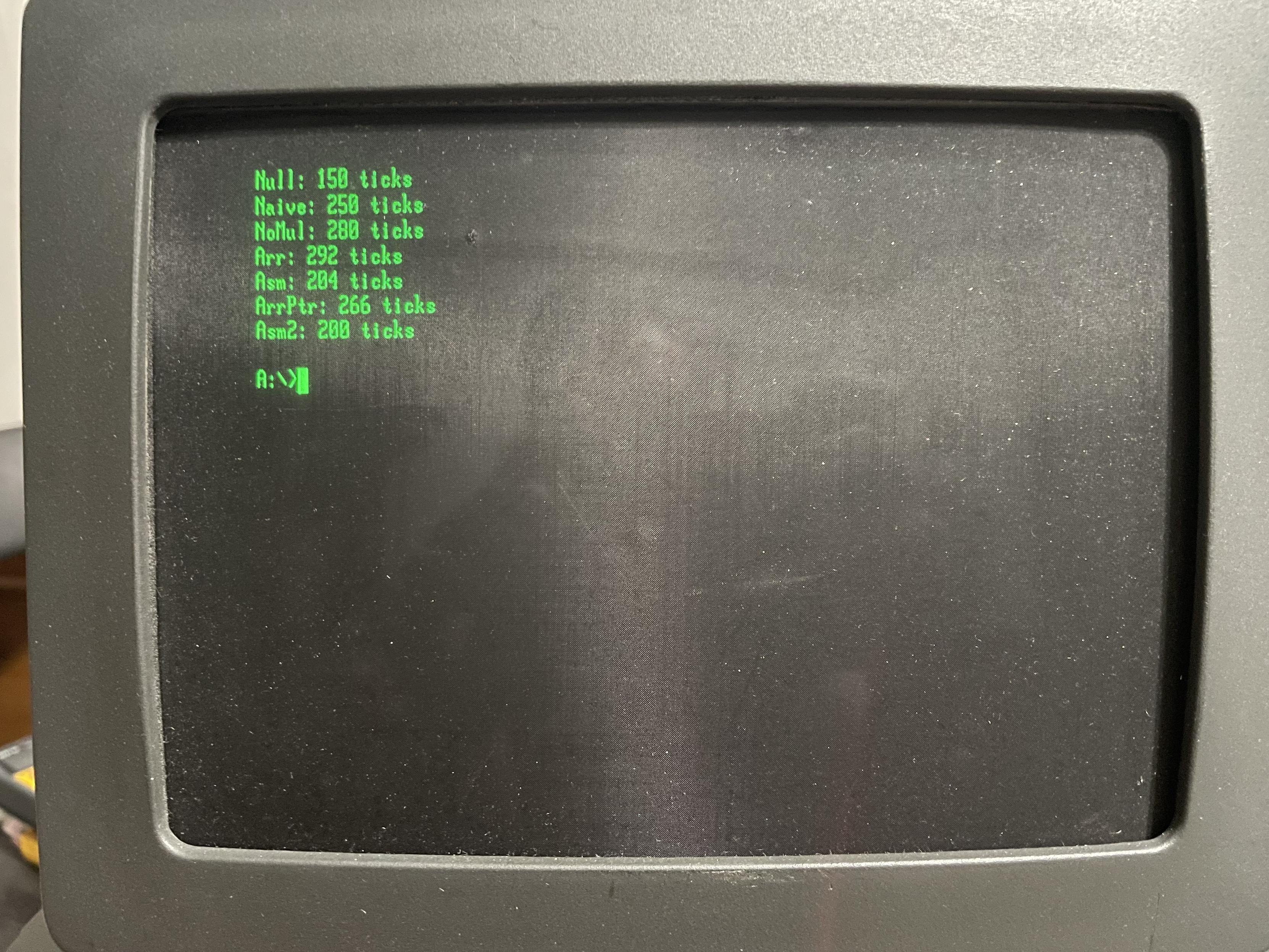
I rewrote all my routines to use the new column-based layout and benchmarked it against the old method. And, unsurprisingly, everything is faster! The only one that matters though is the fully optimized Asm2, which is now about 6% faster. Ticks here are DOS ticks, which are hundredths of a second (but because Apricot uses a 50Hz timer, it has a resolution of .02 seconds). So we can now plot ~5K points per second.
-
I wrote a benchmark that tested several different approaches in Turbo Pascal. Everything from a naive implementation using multiplication to hand-tuned assembly. It just pregenerates 10,000 random dots and plots them to the screen using the various methods. The dots on this screen are so fine they almost look like dust.
I rewrote all my routines to use the new column-based layout and benchmarked it against the old method. And, unsurprisingly, everything is faster! The only one that matters though is the fully optimized Asm2, which is now about 6% faster. Ticks here are DOS ticks, which are hundredths of a second (but because Apricot uses a 50Hz timer, it has a resolution of .02 seconds). So we can now plot ~5K points per second.
Okay, points are fine, but what can we do for actual graphics? As I showed last year, static graphics are not a problem, especially if they're aligned to the 16-pixel character grid. But moving graphics present a challenge. The bits have to be shifted up to 15 positions to work at unaligned locations. If we're okay with using some more memory, we can just do that in advance. Then we just copy whichever is appropriate for the X position.
-
Okay, points are fine, but what can we do for actual graphics? As I showed last year, static graphics are not a problem, especially if they're aligned to the 16-pixel character grid. But moving graphics present a challenge. The bits have to be shifted up to 15 positions to work at unaligned locations. If we're okay with using some more memory, we can just do that in advance. Then we just copy whichever is appropriate for the X position.
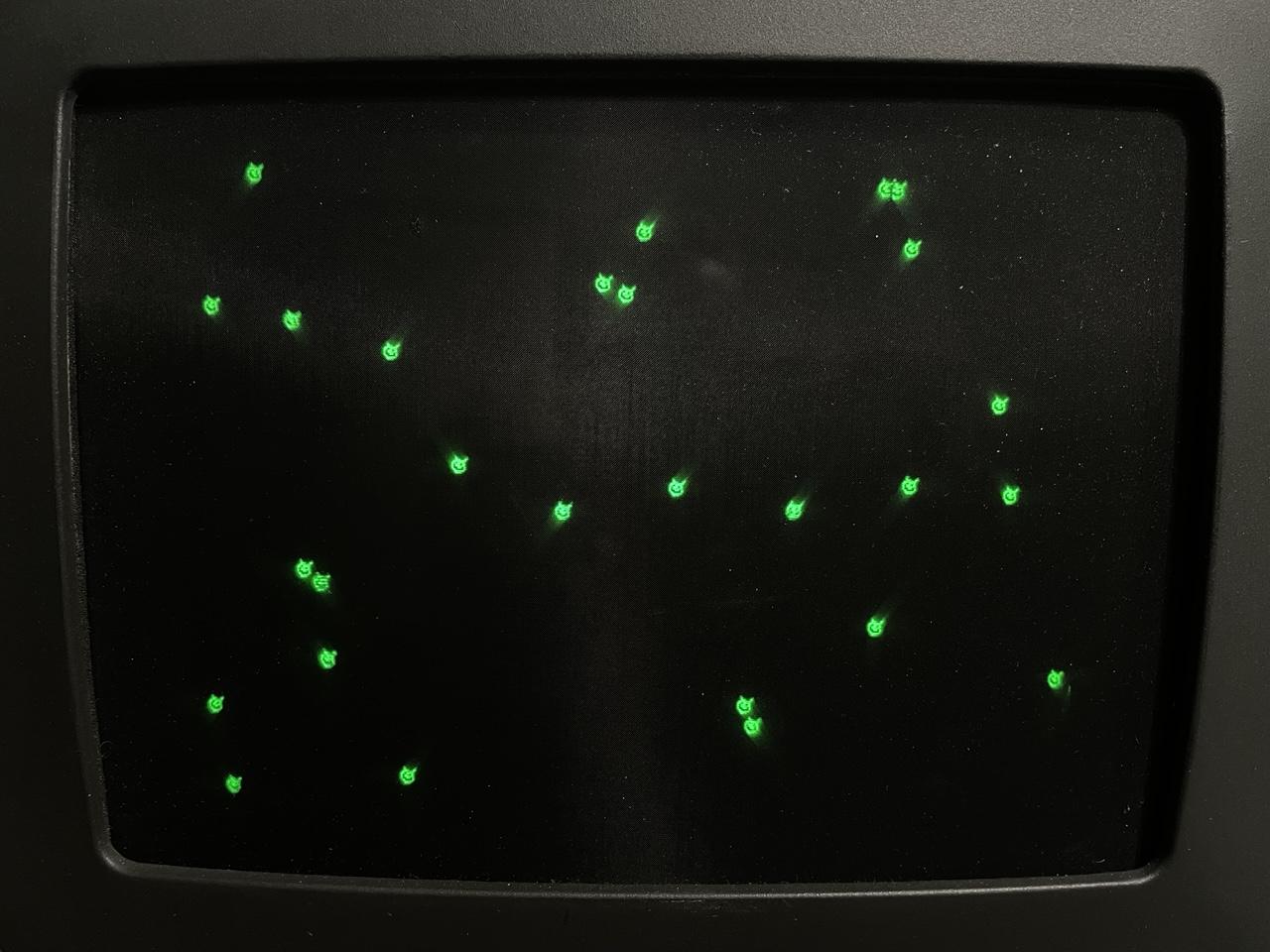
So here’s some little blob guys bouncing around the screen.

-
So here’s some little blob guys bouncing around the screen.
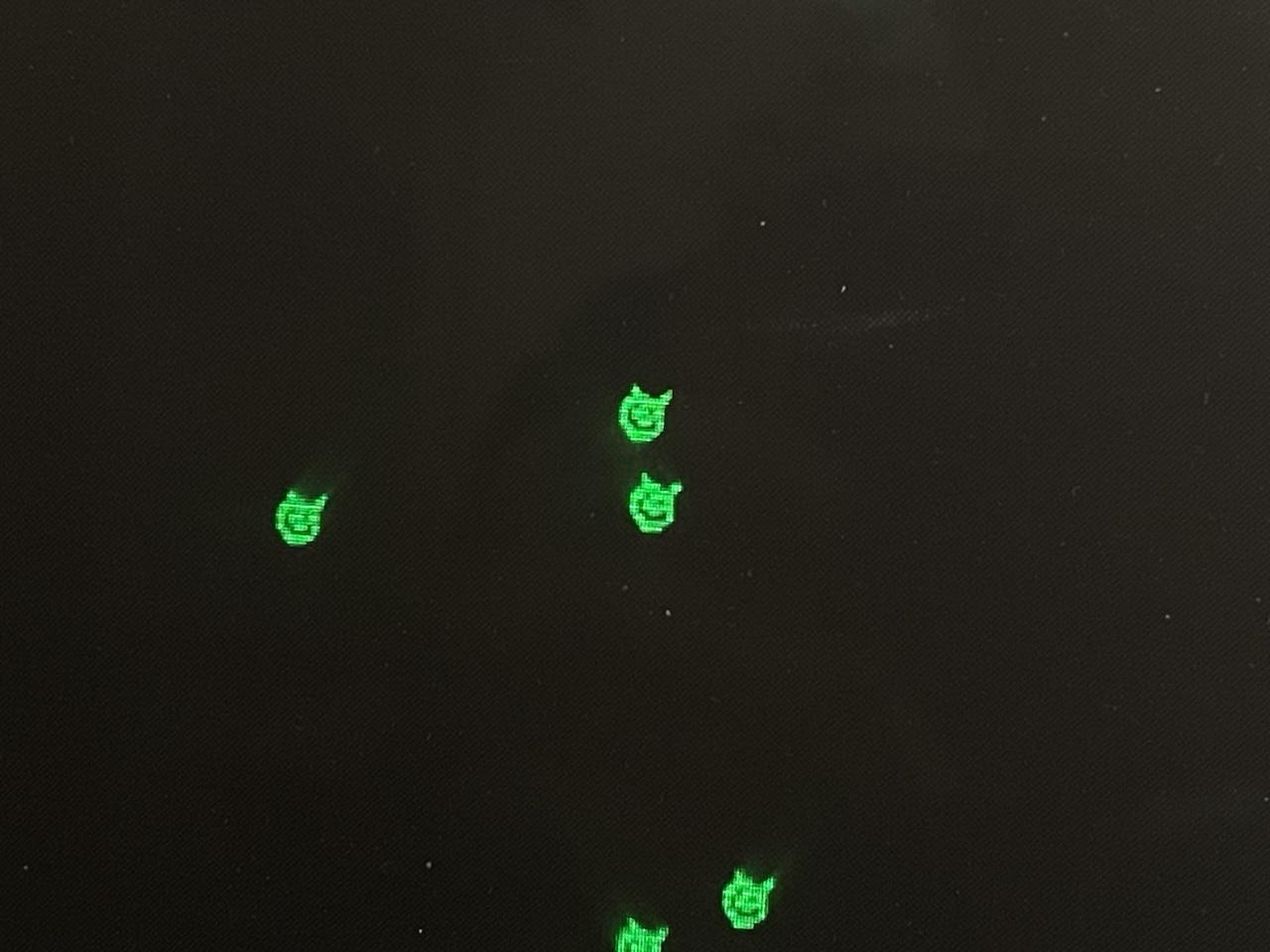
Some close-ups so you can see the detail better. These are 16x11 because the pixel ratio on this display is 2:3. I had a hard time finding a pixel editor that would do that odd ratio. Aseprite only does double wide/high. GrafX2 does a lot of them but not 2:3. Turns out GIMP allows effectively arbitrary ratios via per-axis DPI settings.
-
Some close-ups so you can see the detail better. These are 16x11 because the pixel ratio on this display is 2:3. I had a hard time finding a pixel editor that would do that odd ratio. Aseprite only does double wide/high. GrafX2 does a lot of them but not 2:3. Turns out GIMP allows effectively arbitrary ratios via per-axis DPI settings.
Unfortunately, there's no way to synchronize with the screen refresh. The flickering you're seeing isn't a camera artifact, I'm seeing that too. Older revisions had vsync hooked up to one of the PIO lines, but the rev G board I have repurposed that for a serial control signal (gotta love design changes in the same product run).
And this is an entirely unoptimized routine. Just Turbo Pascal XORing a word at a time into memory. There's a lot of optimization to do, and I'm also hoping I can employ the 8089 at some point.
-
Unfortunately, there's no way to synchronize with the screen refresh. The flickering you're seeing isn't a camera artifact, I'm seeing that too. Older revisions had vsync hooked up to one of the PIO lines, but the rev G board I have repurposed that for a serial control signal (gotta love design changes in the same product run).
And this is an entirely unoptimized routine. Just Turbo Pascal XORing a word at a time into memory. There's a lot of optimization to do, and I'm also hoping I can employ the 8089 at some point.
To optimize properly, we must have some way of measuring performance. I’ve set up a handler on the 50Hz timer interrupt that just increments a counter. In the draw loop, I synchronize with that counter, begin drawing, and count how many frames have passed at the end. Then I put that number in the corner of the screen. So if you see zero, all the drawing has completed in one frame.
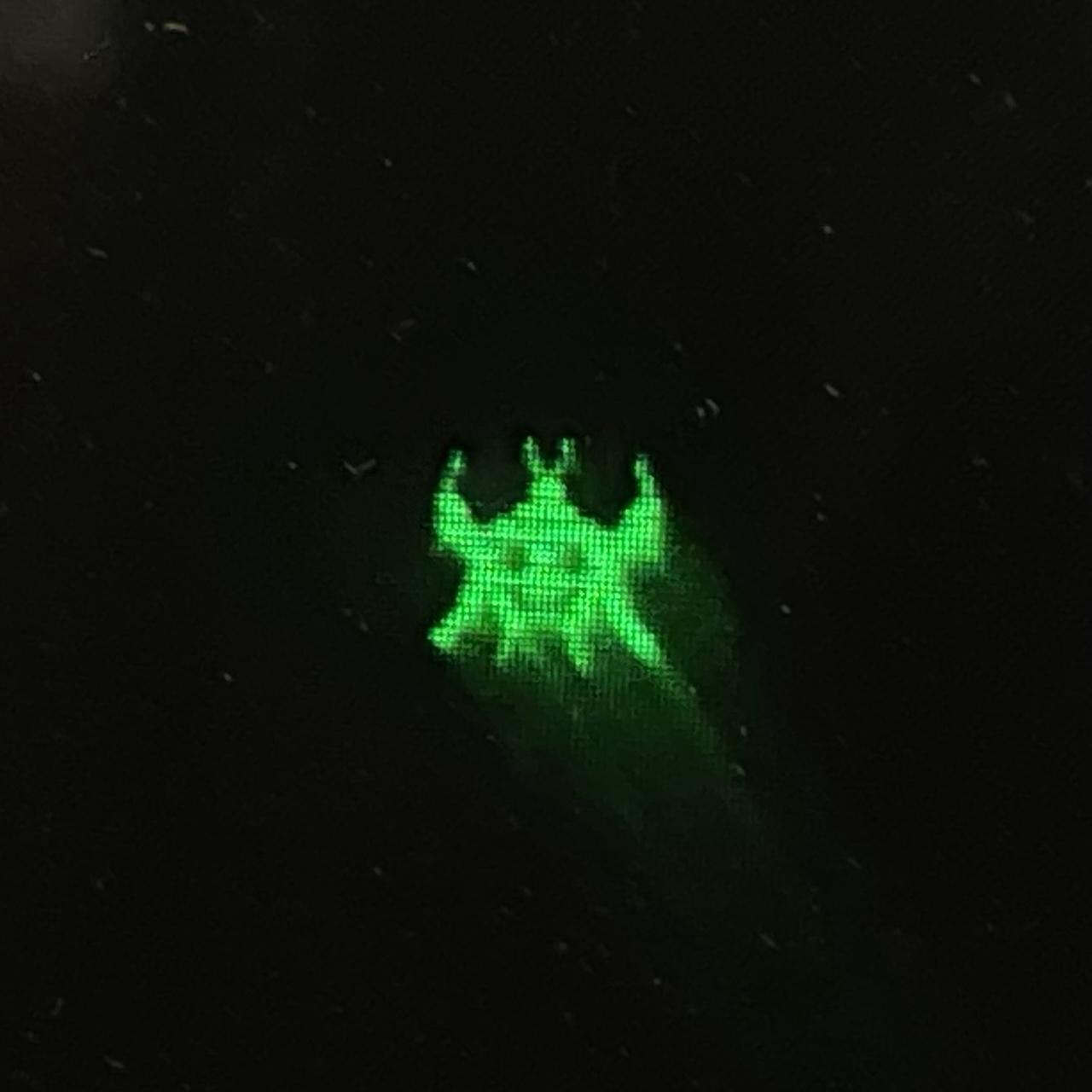
I’ve also upgraded to a 32x32 “space invader” that kinda looks like an axolotl. And currently we can draw… one sprite before we blow our frame budget.

-
To optimize properly, we must have some way of measuring performance. I’ve set up a handler on the 50Hz timer interrupt that just increments a counter. In the draw loop, I synchronize with that counter, begin drawing, and count how many frames have passed at the end. Then I put that number in the corner of the screen. So if you see zero, all the drawing has completed in one frame.
I’ve also upgraded to a 32x32 “space invader” that kinda looks like an axolotl. And currently we can draw… one sprite before we blow our frame budget.
Close up on our axolotl invader friend.
-
Close up on our axolotl invader friend.
Side note, MAME doesn't emulate this at the same speed. It's almost twice as fast, in fact.
-
Close up on our axolotl invader friend.
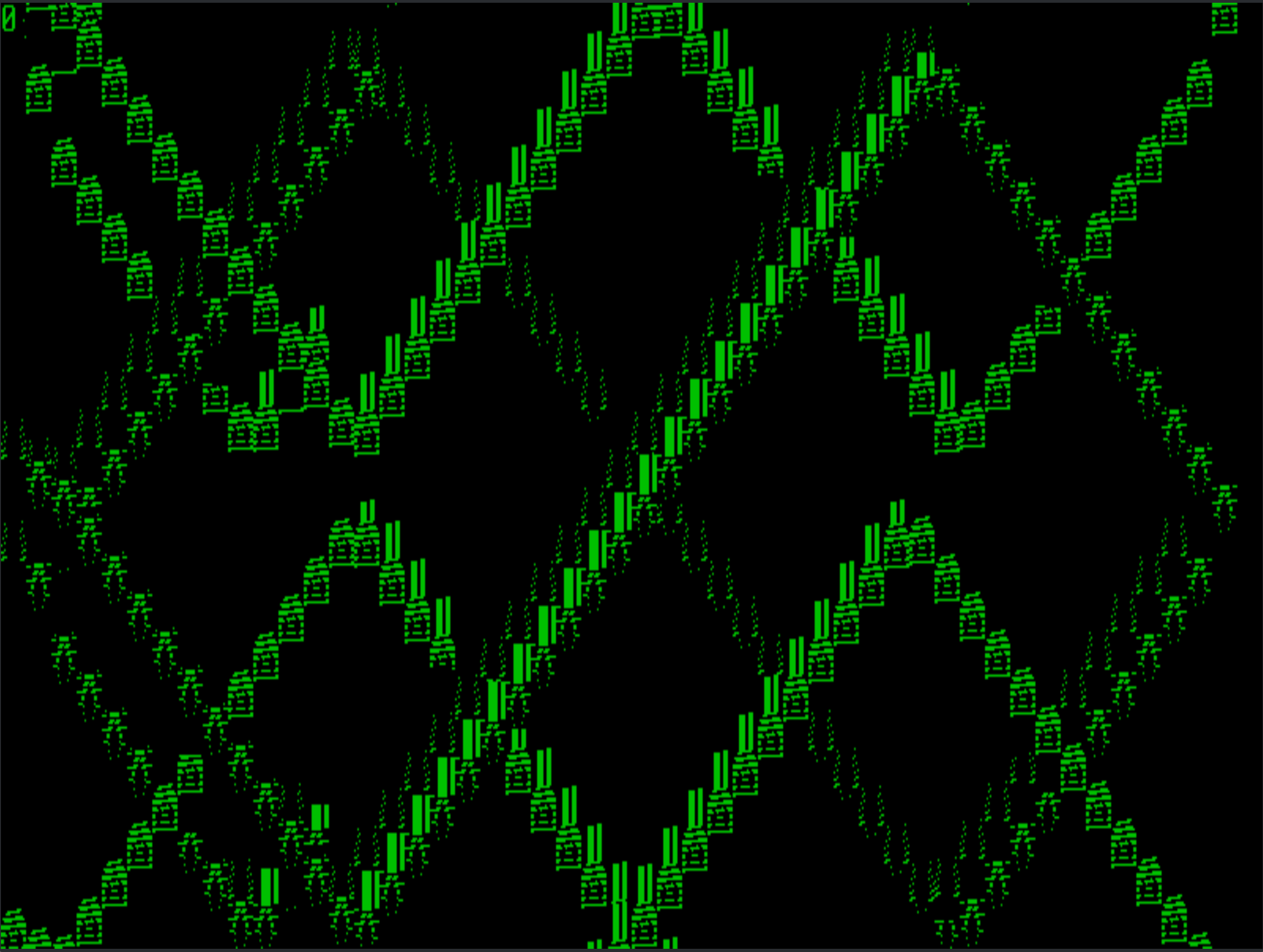
Well that's not right.
-
Well that's not right.
That’s… better. 14 sprites! But obviously not working totally correctly.
-
That’s… better. 14 sprites! But obviously not working totally correctly.
Well, it's 14 before it starts visibly slowing down. It can actually get to 15 or 16 before the counter increments. This is a hand-written assembly routine. The reason it's leaving trails is because this is using REP MOVSW instead of XOR. And now that I think about it, that means each one is being drawn twice. So that should more than account for any kind of fix to the trails being drawn here.
I'm calculating the offset into the array of sprite data (one for each X offset in the character cell) using a regular old MUL, so there' s probably some performance left on the table there. I could precompute those offsets and do a table lookup. Anyway, that's good for tonight.
-
Well that's not right.
That's winning at solitaire
-
Well, it's 14 before it starts visibly slowing down. It can actually get to 15 or 16 before the counter increments. This is a hand-written assembly routine. The reason it's leaving trails is because this is using REP MOVSW instead of XOR. And now that I think about it, that means each one is being drawn twice. So that should more than account for any kind of fix to the trails being drawn here.
I'm calculating the offset into the array of sprite data (one for each X offset in the character cell) using a regular old MUL, so there' s probably some performance left on the table there. I could precompute those offsets and do a table lookup. Anyway, that's good for tonight.
Is it really a sprite if it's not in hardware? Otherwise it's just sparkling pixels
-
Is it really a sprite if it's not in hardware? Otherwise it's just sparkling pixels
@elithebearded Hah.
I’d say it’s arguable. The word gets thrown around in a lot of ways to describe everything from the image itself to the particular rendering path.For a particularly confusing example, uxn/Varvara “sprites” are rendered by “hardware” but because it’s an emulation-only platform it’s actually a fixed function software blitter.
-
Well, it's 14 before it starts visibly slowing down. It can actually get to 15 or 16 before the counter increments. This is a hand-written assembly routine. The reason it's leaving trails is because this is using REP MOVSW instead of XOR. And now that I think about it, that means each one is being drawn twice. So that should more than account for any kind of fix to the trails being drawn here.
I'm calculating the offset into the array of sprite data (one for each X offset in the character cell) using a regular old MUL, so there' s probably some performance left on the table there. I could precompute those offsets and do a table lookup. Anyway, that's good for tonight.
17, and no trails!
-
17, and no trails!
This has the pointer table optimization (every shifted version of the sprite is pointed to from a table instead of being calculated via MUL). I created a whole second routine to blank sprites, which is the same thing except it does STOSW instead MOVSW. It took me longer to get that working than the sprite draw routine because I misunderstood the documentation. I thought it referenced DS for the target and not ES because Intel's manual didn't specify either.
This is still a very bad draw routine because it just overwrites the entire 16-pixel word instead of doing proper masking. That'll probably drop the performance by 30% because it can't use the 8086's fast string instructions.
-
This has the pointer table optimization (every shifted version of the sprite is pointed to from a table instead of being calculated via MUL). I created a whole second routine to blank sprites, which is the same thing except it does STOSW instead MOVSW. It took me longer to get that working than the sprite draw routine because I misunderstood the documentation. I thought it referenced DS for the target and not ES because Intel's manual didn't specify either.
This is still a very bad draw routine because it just overwrites the entire 16-pixel word instead of doing proper masking. That'll probably drop the performance by 30% because it can't use the 8086's fast string instructions.
@bytex64 What if you used the old Apple2 trick of XORing the sprites instead. Gives you draw and erase without destroying the background (at the cost of some corruption, but it's generally ignorable
) -
@bytex64 What if you used the old Apple2 trick of XORing the sprites instead. Gives you draw and erase without destroying the background (at the cost of some corruption, but it's generally ignorable
)@tursilion That’s what I did initially in the naive version. It does work, but it also can’t take advantage of REP STOSW for fast copies, so it’ll be slower.
-
17, and no trails!
@bytex64 exceedingky cute axoloinvaders!
-
This has the pointer table optimization (every shifted version of the sprite is pointed to from a table instead of being calculated via MUL). I created a whole second routine to blank sprites, which is the same thing except it does STOSW instead MOVSW. It took me longer to get that working than the sprite draw routine because I misunderstood the documentation. I thought it referenced DS for the target and not ES because Intel's manual didn't specify either.
This is still a very bad draw routine because it just overwrites the entire 16-pixel word instead of doing proper masking. That'll probably drop the performance by 30% because it can't use the 8086's fast string instructions.
We've maxed out the CPU, but the Apricot has another trick - the 8089. It's a dedicated I/O coprocessor, and theoretically it can push bytes even faster than the CPU. If... I can get it working.
I've discovered the hard way that Turbo Pascal is really picky about what it can link with. It _only_ wants to link with external functions. If the OBJ file you're linking with has _any_ data segment symbols, it flat out refuses to deal with it. At first I thought this was a subtle bug in how asm89 generates OMF files, but it does the same with a C file compiled with Turbo C. And since asm89 defines the 8089 machine code symbols as data (which I think is correct from the POV of the CPU), it just doesn't work.

So I guess I'll just have to copy the machine code into the Pascal source as raw data. That sucks.